Your venue's floor plan, to scale
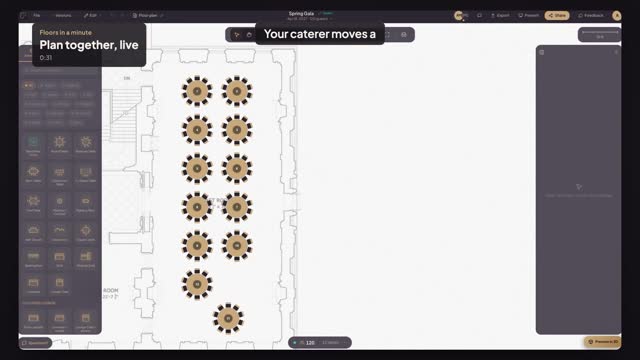
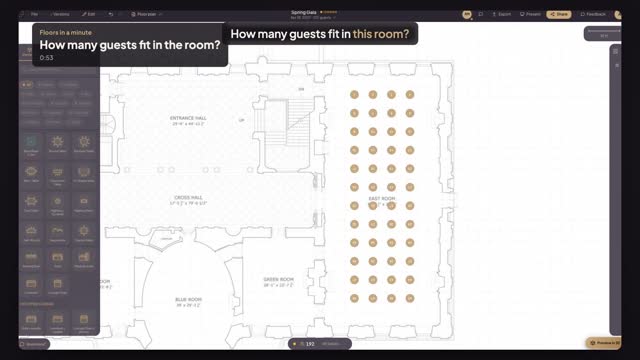
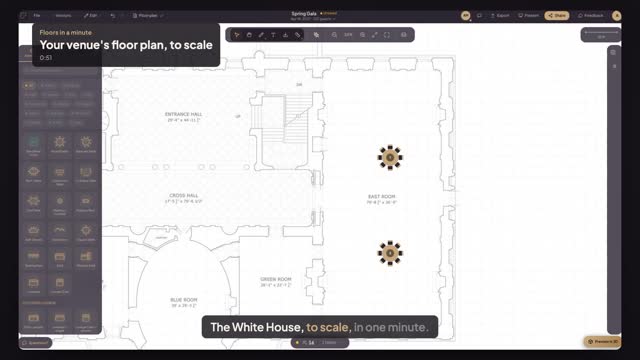
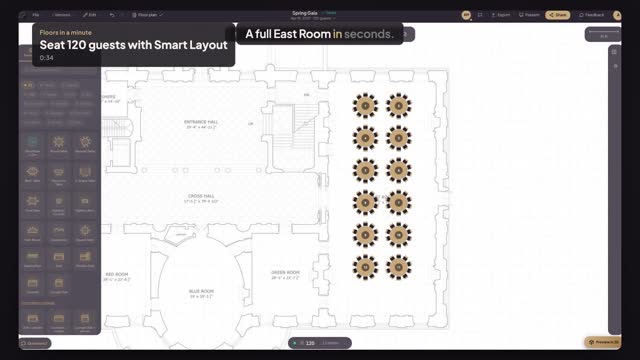
Create the event, upload the venue's floor plan, set the scale from one known wall, check it on another, and start placing tables at true size.
Every guide is under a minute, shows the real product, and ends with the layout done.
Featured
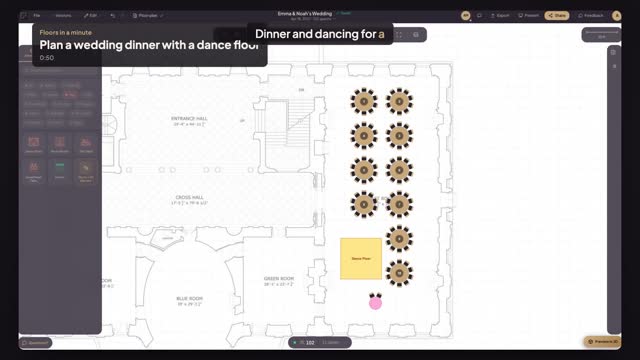
Place the dance floor and the couple's sweetheart table, then let Smart Layout fill the room with round tables of ten around them.
Opens the editor with a sample room. No sign-up.
Three minutes from an empty screen to a plan your client can open.
Create the event, upload the venue's floor plan, set the scale from one known wall, check it on another, and start placing tables at true size.
Mark an area on your scaled venue plan and let Smart Layout fill it with tables for your guest count — then apply it in one click.
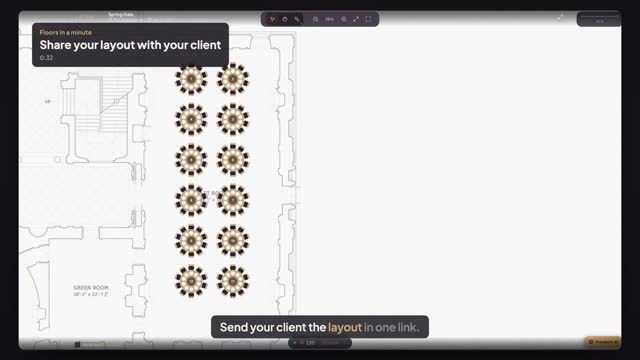
Turn on a view-only link, copy it and send it; your client opens it on any device, no account. In person, press Present.
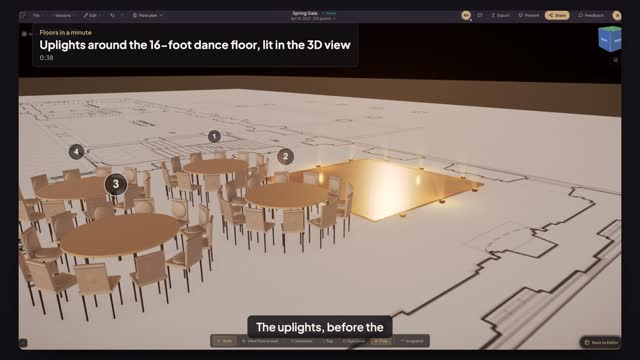
Turn on Lighting for the dance floor, pick Uplighting, and show the client the lit floor in the 3D view under Candlelight before they buy it.
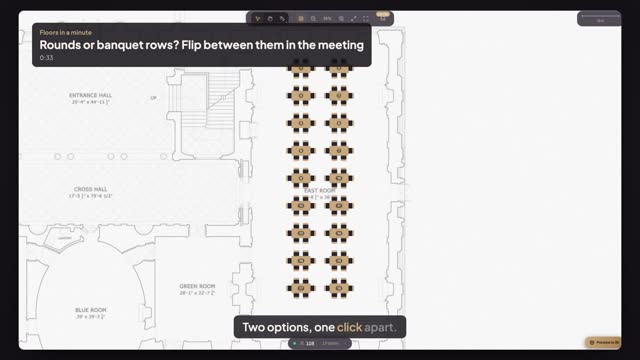
Open Present in the client meeting and flip between two layout options of the same room from the version menu, each with its seats and tables.
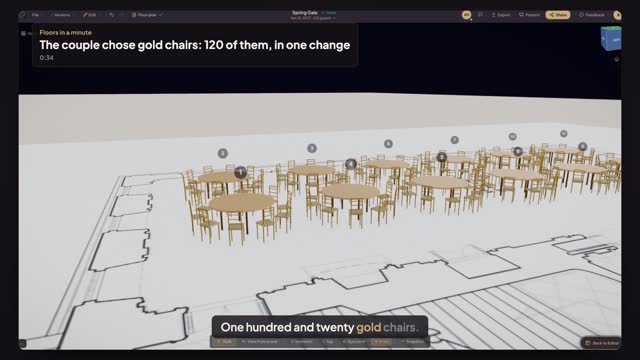
Select the twelve rounds, pick the Chiavari chair and type the gold colour code once: all 120 chairs change, and 3D shows the room the couple signed for.
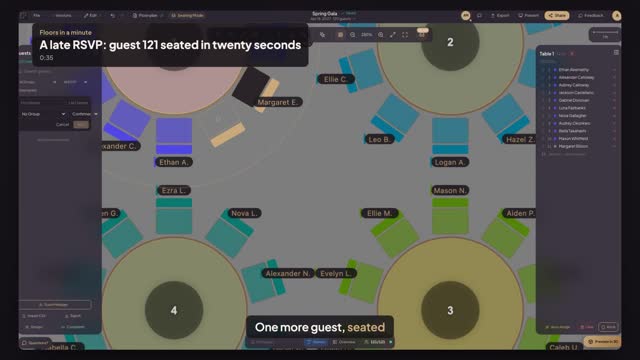
Add the late guest to the list in Seating Mode, click the empty chair at a table with room, pick the name, and the seating chart is current again.
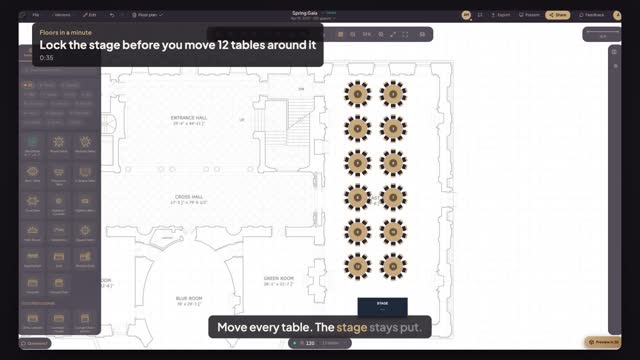
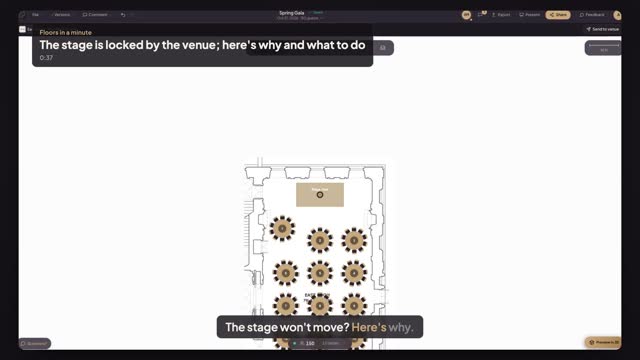
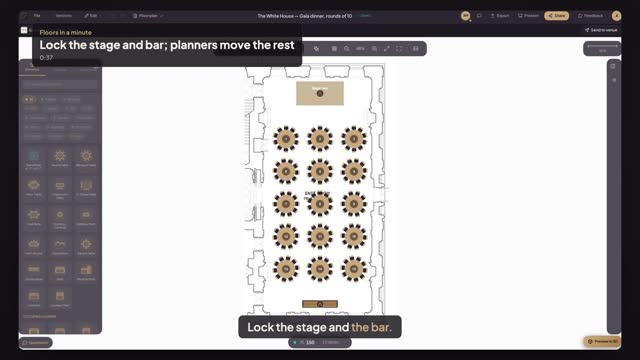
Lock the stage with the padlock in Properties, then select everything and drag: the twelve tables move and the stage stays where the venue's plan has it.
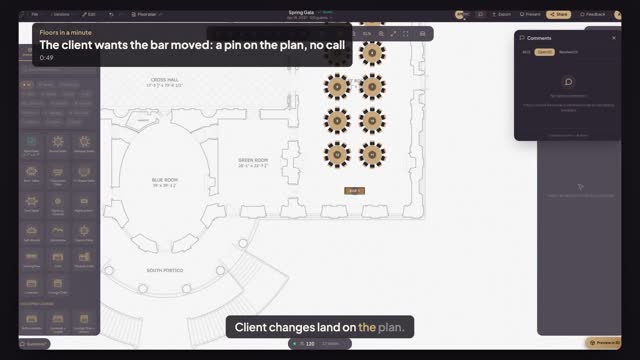
Share the plan with your client as Comment. Her request arrives as a pin on the bar itself; move the bar, press Resolve, and nothing gets lost.
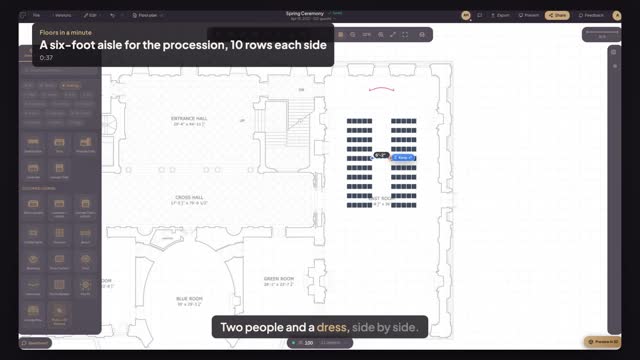
Deploy ten rows of chairs in front of the arch with a six-foot center aisle, then measure it chair to chair before anyone walks down it.
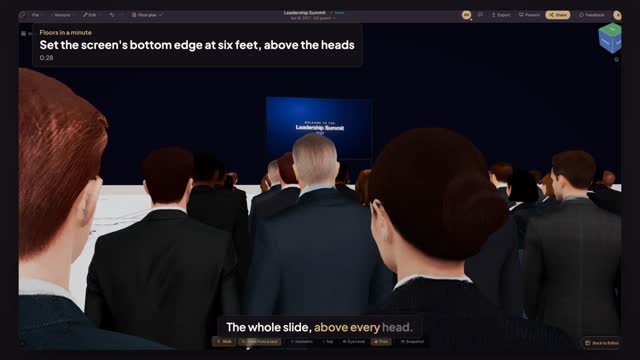
Raise the projection screen's bottom edge to six feet, then sit in the last row in 3D and check that the whole slide clears the heads in front.
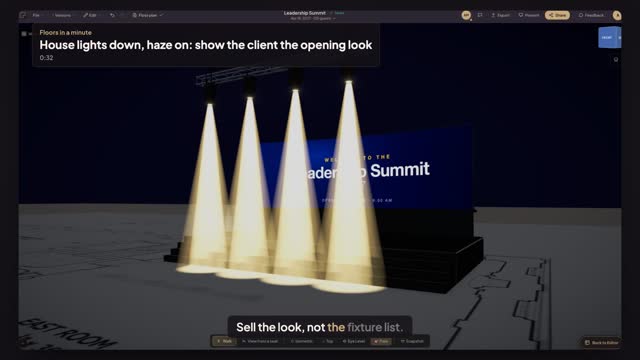
Open Atmosphere in the 3D view, pick the Show look, take the house lights down and the haze up, and show the client the beams over the stage.
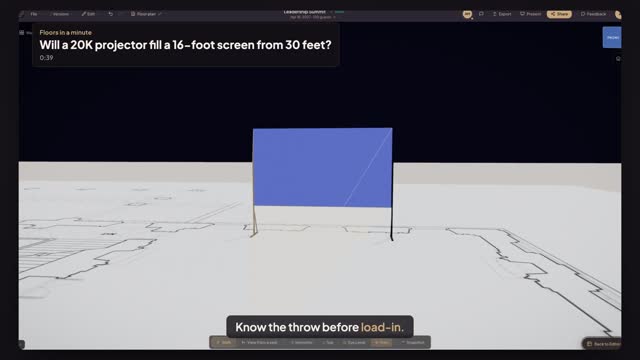
Place a 20K projector thirty feet from the screen, turn its lens to it and read the image width, the overshoot and the lens that fills the screen exactly.
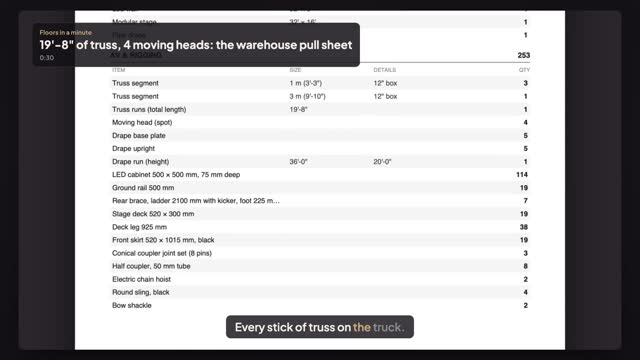
Export the Counts sheet from a built stage plan and get the truss run, moving heads, drape and uprights as a pull list for the warehouse.
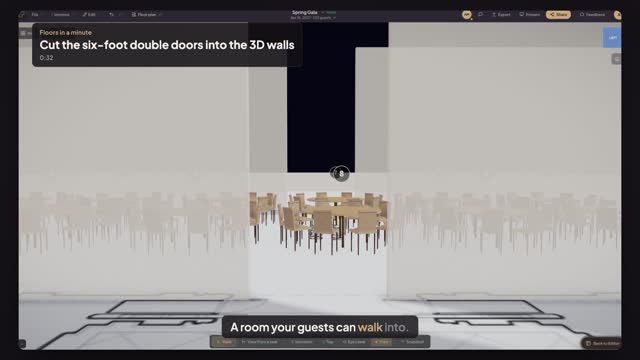
Use the Chopper to open the wall where the room's double doors are, set the opening to six feet wide and look through it in the 3D view.
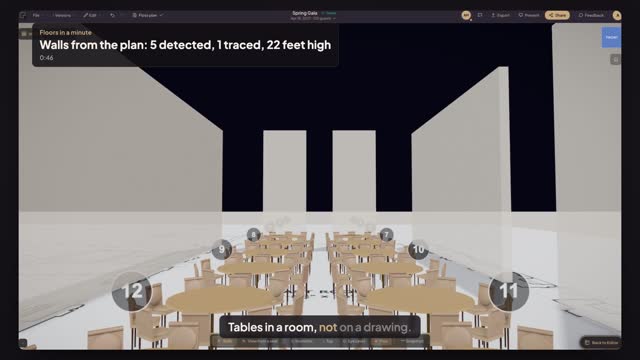
Detect the straight wall pieces of one room on the venue's drawing, set the real ceiling height, trace the wall detection cannot read and see it in 3D.
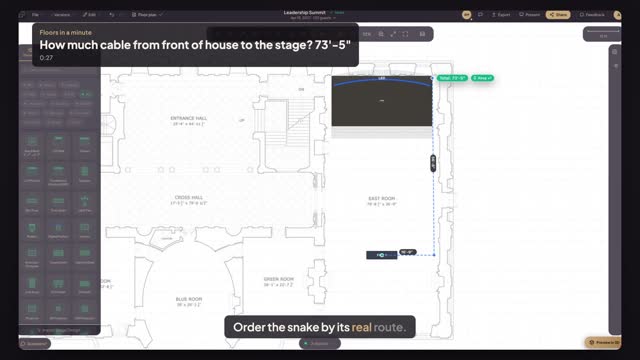
Trace the snake's real route from the FOH desk along the side wall to the stage with Continuous Measure, and read the total run in feet.
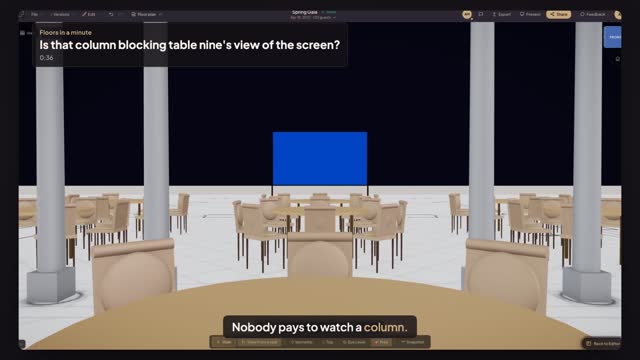
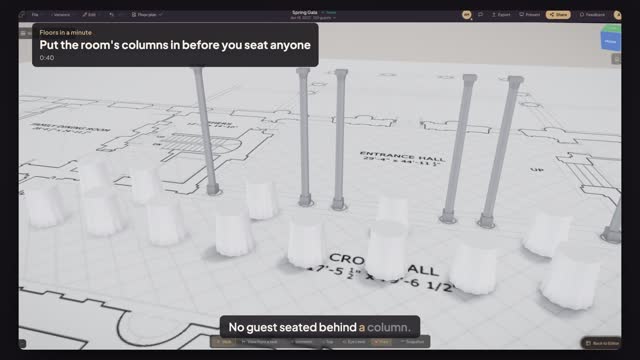
Sit in a chair at the table behind the colonnade in 3D, see the column across the screen, move the table and check the same seat again.
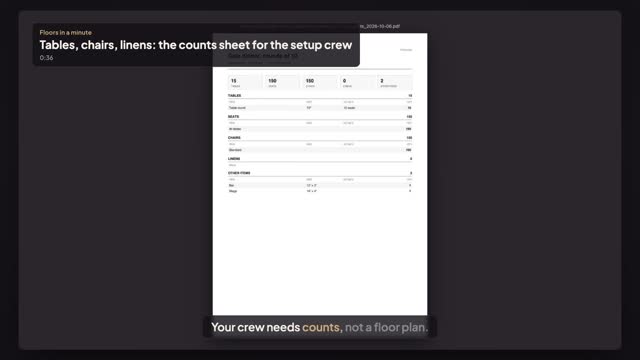
Open a house setup, choose File, Download and press Counts. The crew gets one sheet: tables by size, seats, chairs and linens, and every other item.
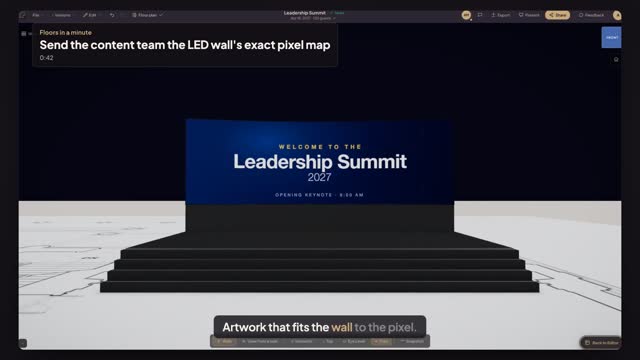
Download the LED wall's content template at its exact resolution, give it to the content team, and check their artwork fits the wall without stretching.
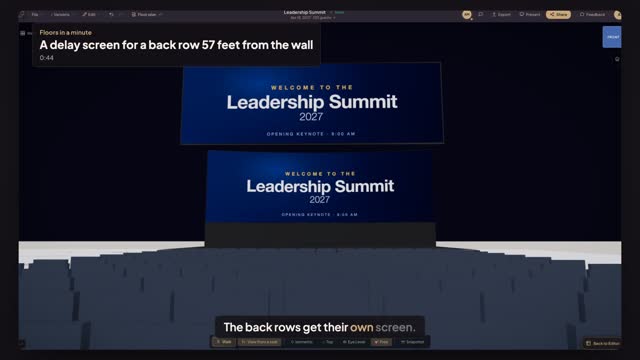
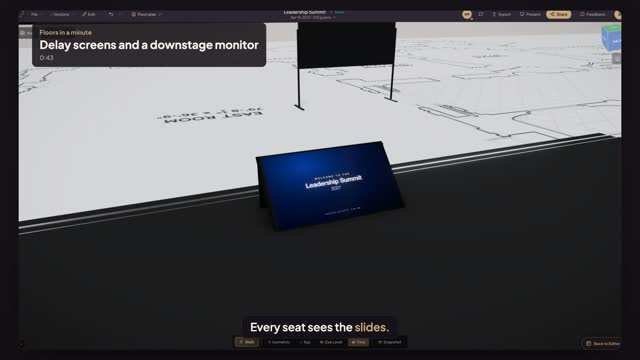
Measure from the LED wall to the last row, fly a delay screen in the main wall's own shape that mirrors it, and check the slide from a back-row seat.
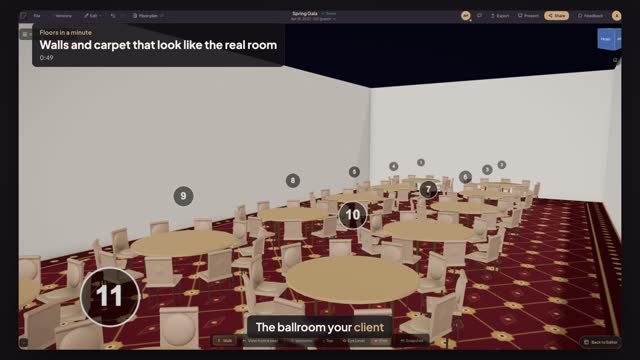
Give the 3D room the venue's wall colour and lay its patterned carpet from a photo, so the model reads as the ballroom your client toured.
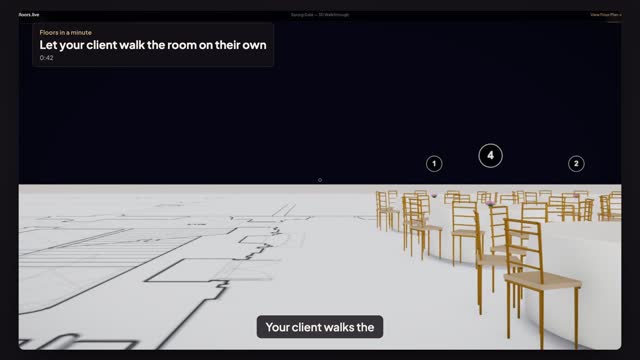
Save a view from a seat, copy the walkthrough link from Share and send it. Your client opens the room in first person, in that seat, with no account.
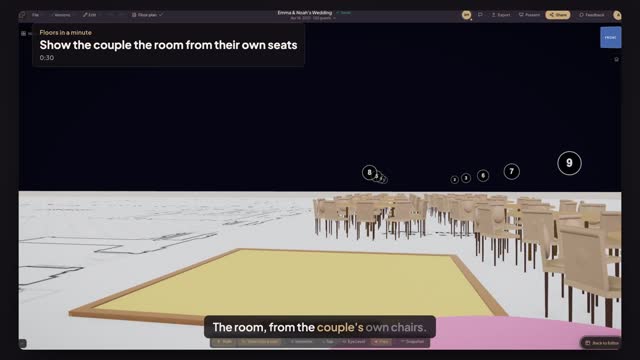
Click the couple's chairs at the sweetheart table, open the view from that seat, and send a link that opens there: the room as they will see it.
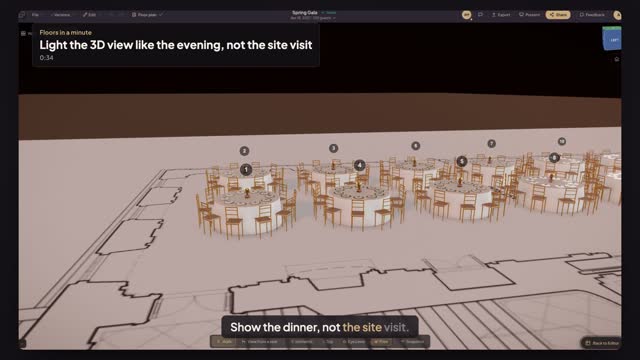
Switch the 3D view from flat daylight to warm evening light with the Candlelight preset and Warmth, so the client sees the dinner, not the walkthrough.
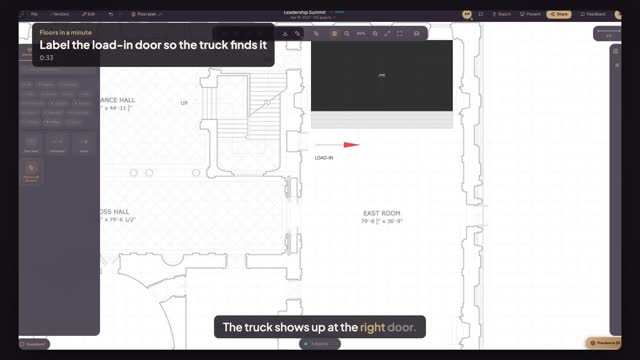
Write LOAD-IN on the plan at the door nearest the stage and point an arrow at the stage stairs, so the crew and the truck driver know where to unload.
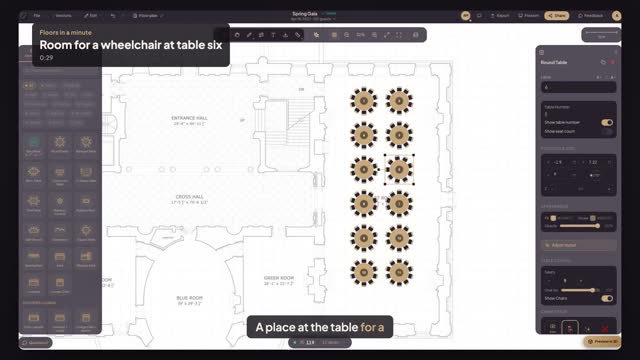
Take one chair away at table six and open the gap with the chair arc, so a wheelchair rolls straight up to the table with even spacing left.
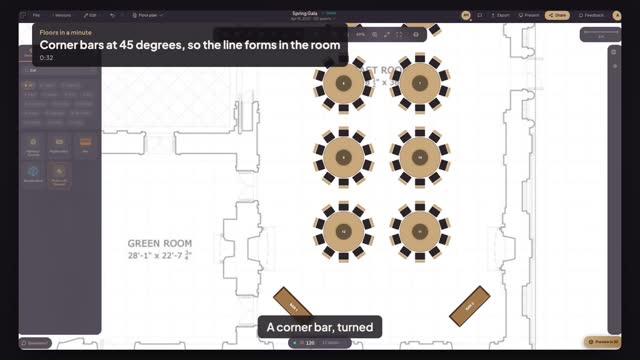
Place a bar in the corner and type 45 degrees in Rotation, so the queue forms in the room instead of along the wall and the door.
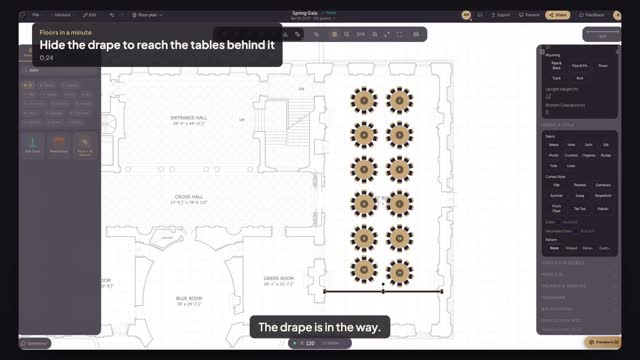
Hide the pipe and drape for a moment to edit the dinner tables behind it, then bring it back in one click from the hidden pill.
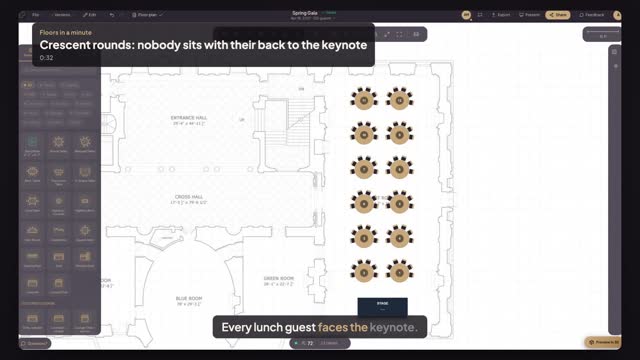
Set every round to six seats on a half-circle arc, so the lunch keynote has a room full of faces instead of a ring of backs.
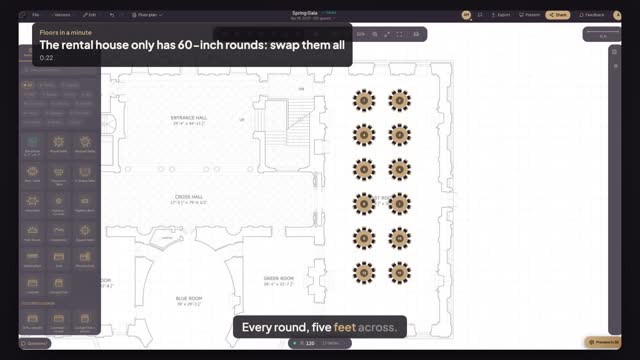
Select every round and set the diameter to five feet once: each table shrinks in place, and you see how tight ten chairs get at sixty inches.
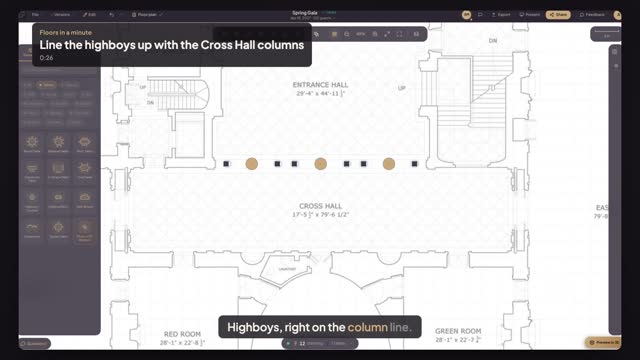
Line a row of highboys up with each other, then with the Cross Hall's column line, so the cocktail tables follow the architecture.
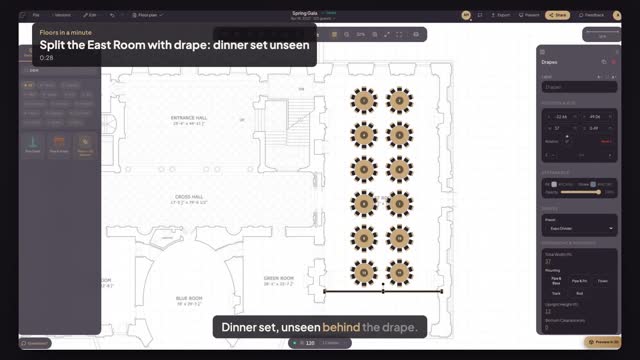
Run a pipe-and-drape divider across the East Room so the cocktail hour happens in front while dinner is set, unseen, behind it.
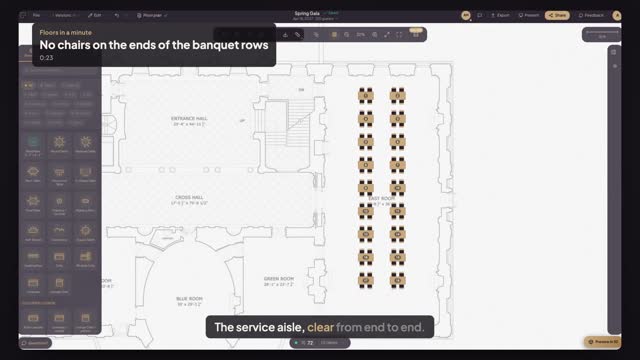
Select every banquet table and set Seats on the short side to zero: the end chairs leave the service aisle and the seat count updates.
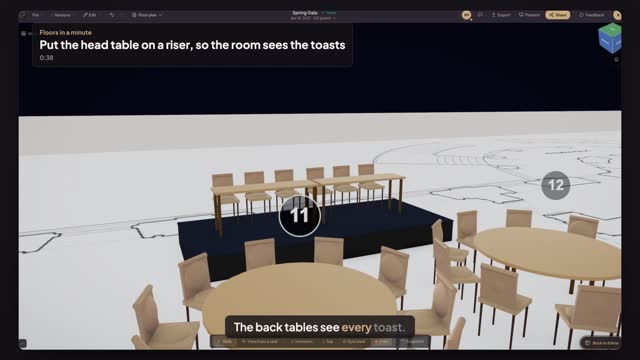
Put a band riser under the head table, set it to sixteen inches, and check in 3D that the back tables can see every toast.
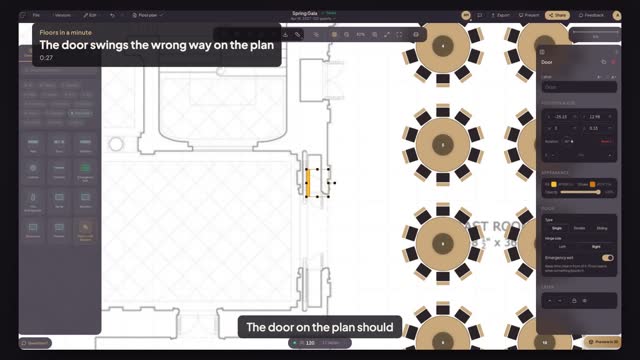
Flip a door's hinge side so it swings the way the real one does, and mark it as an emergency exit so the plan keeps it clear.
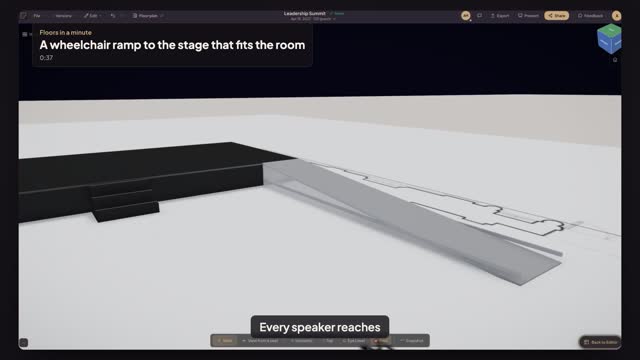
Size a stage ramp at one foot of run per inch of rise, see that a 32-inch stage needs too much room, and lower the deck so the ramp fits.
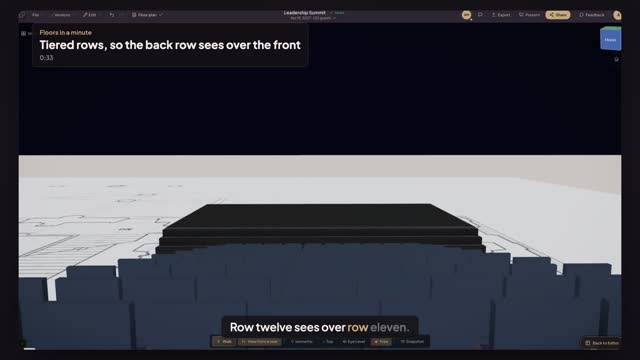
Deploy twelve theatre rows behind one seating row, raise each row on a tiered riser, and check the stage from the back row's own seat.
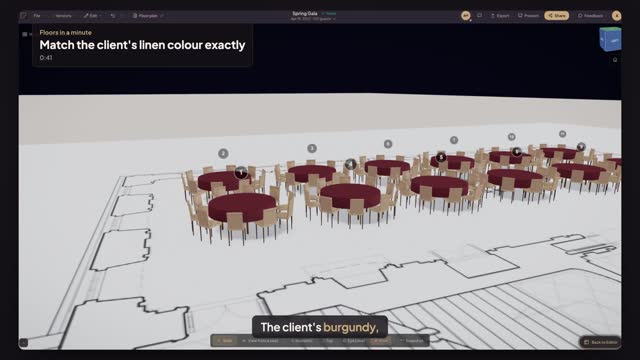
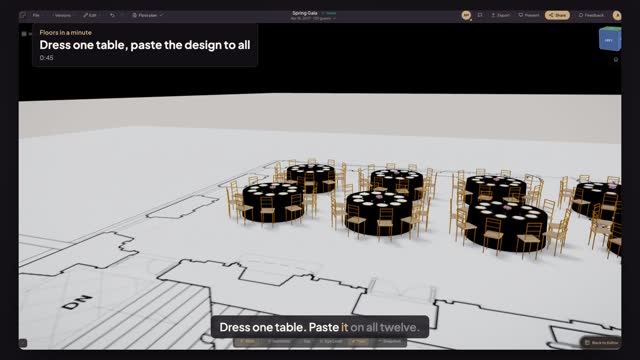
Type the client's exact linen colour code into the tablecloth, paste that design on every table with one click, and check the whole room in 3D.
Place the hall's columns on the plan where the drawing shows them, then let Smart Layout set the cocktail tables around them, and see the columns in 3D.
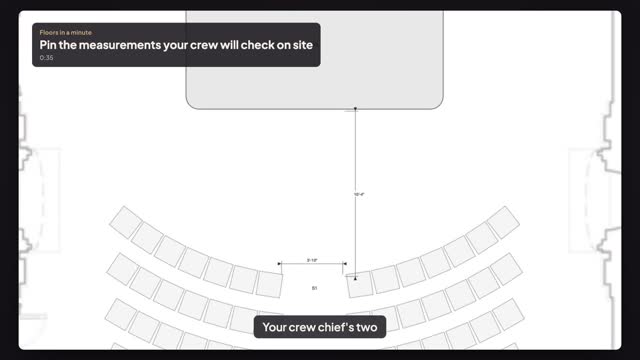
Keep the stage-to-front-row and the center-aisle measurements on the plan as dimensions, then print them on the PDF the crew carries on load-in day.
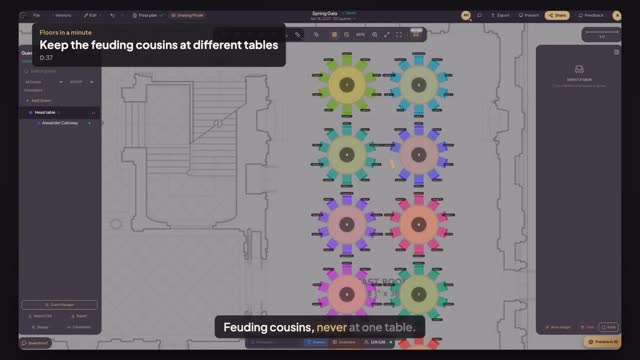
Set a Keep Apart rule between two guests, see the conflict light up when they share one table, and fix it with a single click.
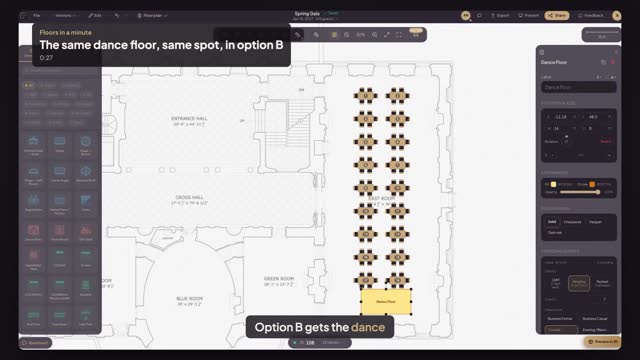
Copy the dance floor from layout option A and paste it into option B: it lands on the very same spot, so both options compare fairly.
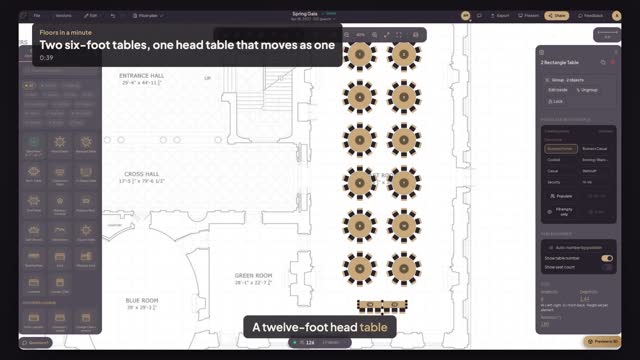
Push two six-foot tables together for the head table, group them with Command G, and move the whole head table in one drag without a gap.
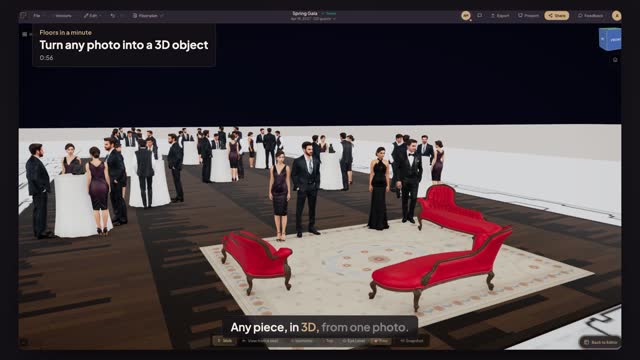
Photograph a chaise, a statue or any piece you own and Floors makes a realistic 3D object at real size. Build a lounge, dress every highboy, see it in 3D.
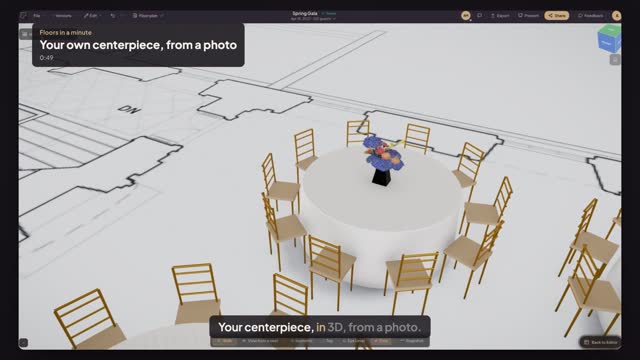
Photograph a piece you own, like a centerpiece, chair or bar, and Floors turns it into a realistic 3D element at real size, ready for your plan and 3D view.
Every account gets 10 free editing minutes. See what the Preview bar means, what unlocking an event costs, and what the $39 includes.
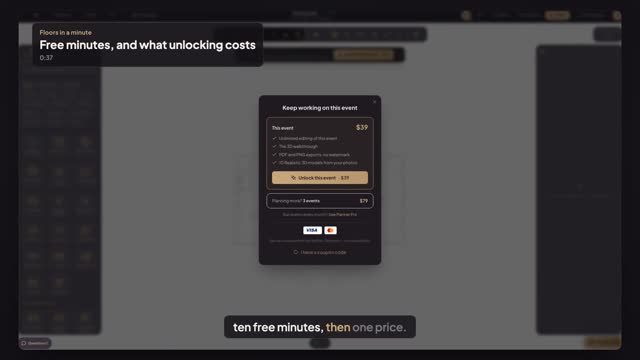
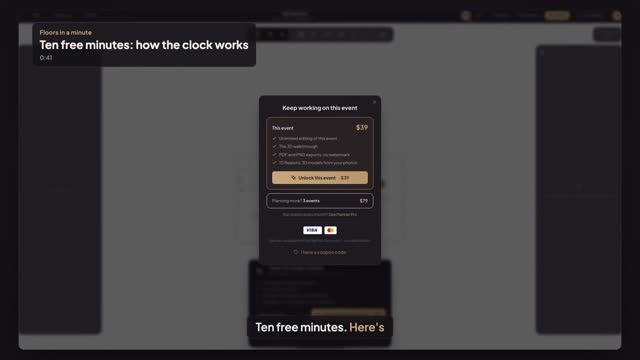
Every account gets 10 free editing minutes. See when the clock runs, the countdown in the last minutes, what happens at zero, and how $39 unlocks the event.
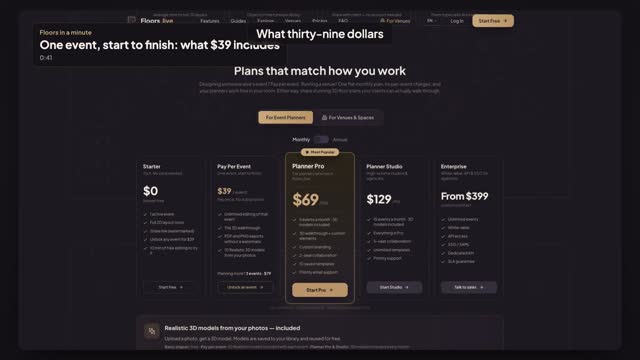
Floors pricing for event planners: start free, then pay $39 once to unlock an event with 3D, clean exports and 10 Realistic 3D models.
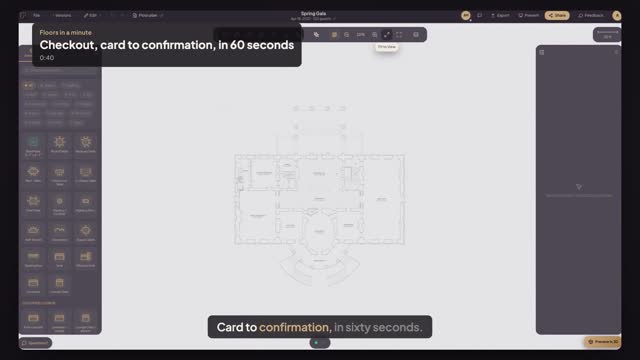
Unlock an event in under a minute: press Unlock this event, pay $39 on the secure PayPlus page, and land back in the same event, ready to edit.
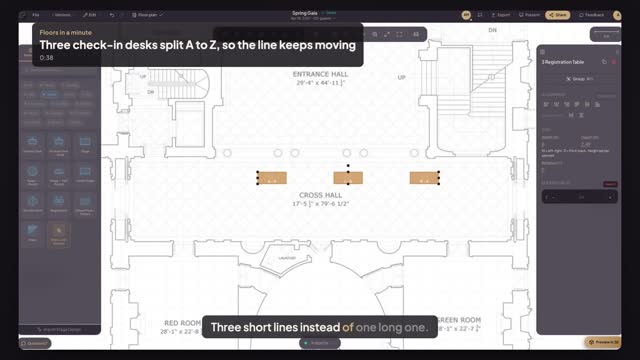
Place three registration desks, label them A to H, I to Q and R to Z, then line them up and space them evenly so each line has its own lane.
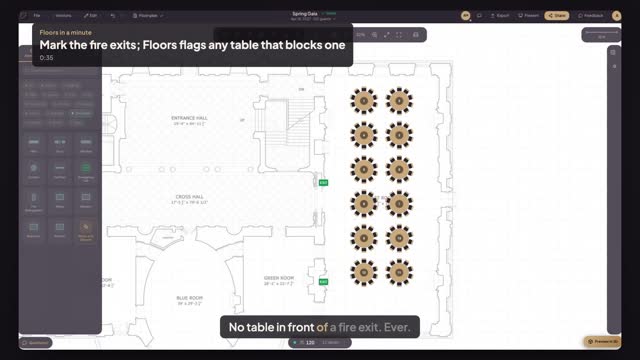
Mark each fire exit on the plan, see the warning when a round table drifts in front of one, find the culprit and drag it back until the warning clears.
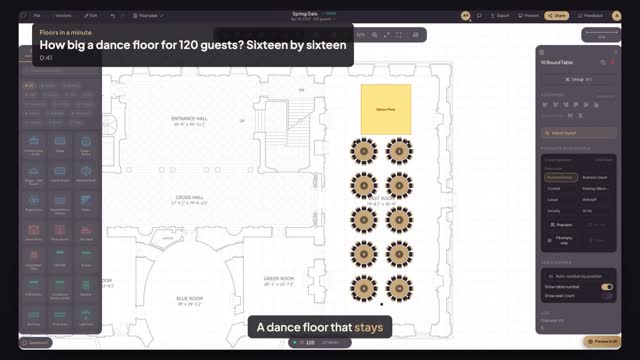
Work out the dance floor from the guest count, set it to sixteen by sixteen feet, choose parquet and let Smart Layout seat the rounds around it.
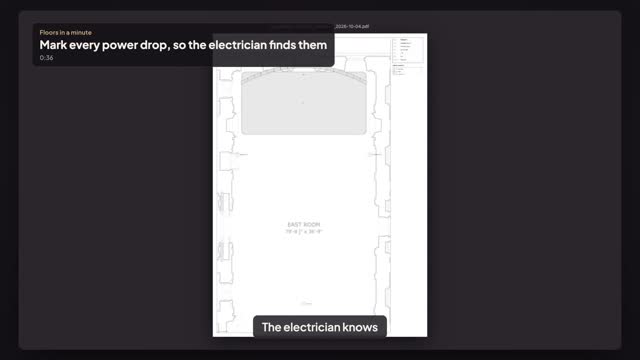
Place a power drop at the stage, the LED processor and front of house, label each with its circuit, and export a PDF the electrician can walk.
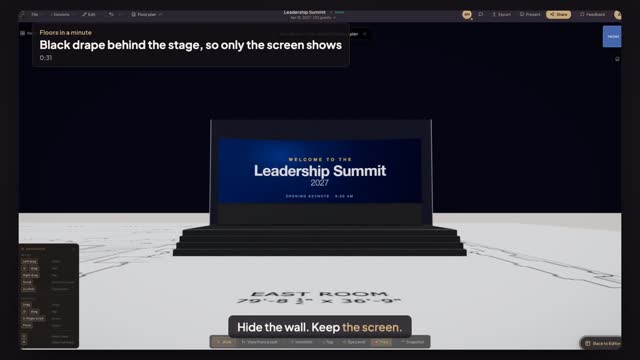
Run a stage curtain of black pipe and drape the full width behind the stage and the LED wall, set its height in feet, and check it in 3D.
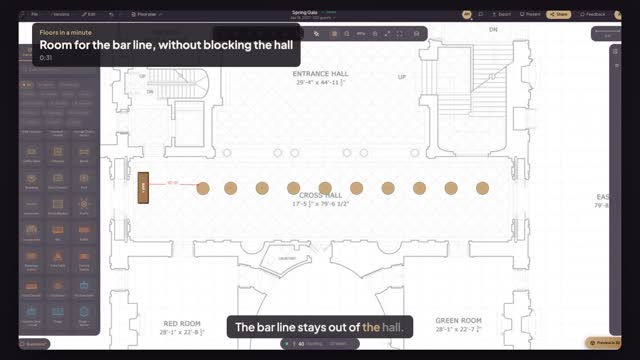
Put the bar at the end of a narrow hall, keep ten feet of queue in front of it with Smart Distances, and pin that space for the venue.
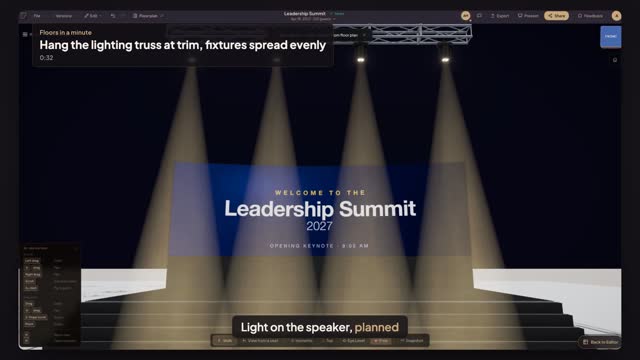
Hang a twenty-foot truss downstage, set its trim height, add four moving heads, spread them evenly and see the beams on the stage in 3D.
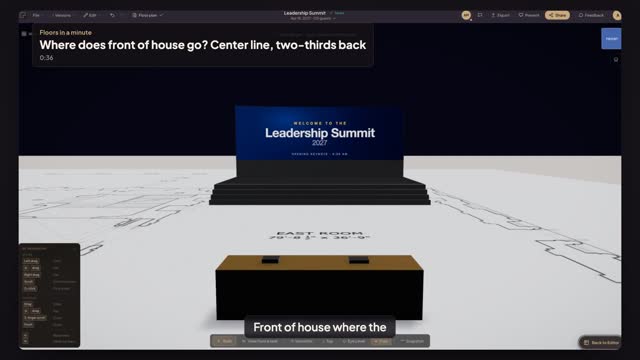
Place the FOH table on the room's center line, two-thirds back from the stage, align it to the stage and measure the snake run in feet.
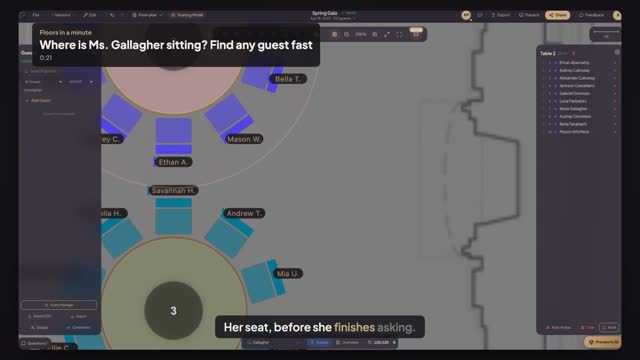
Type a guest's name in Find guest and the plan jumps to her table, so the door team answers in seconds, not after a printout hunt.
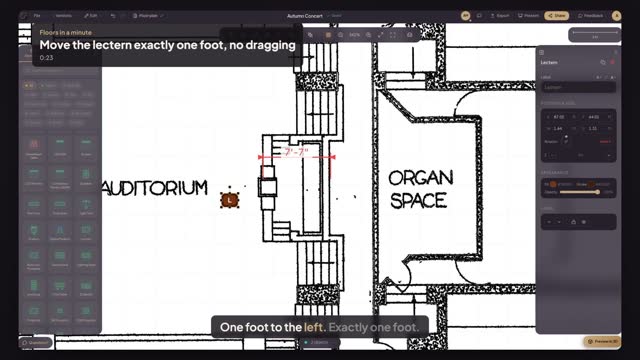
Nudge a lectern by exact distances with the arrow keys: one inch per press, one foot with Shift, so it clears the piano without guessing.
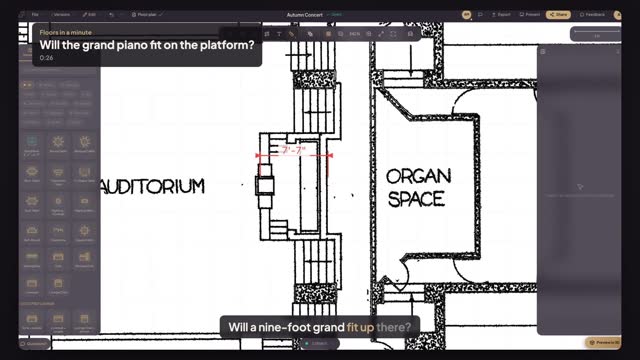
Measure the Unity Temple platform before the movers quote: at seven feet seven, the nine-foot concert grand goes on the floor, not up there.
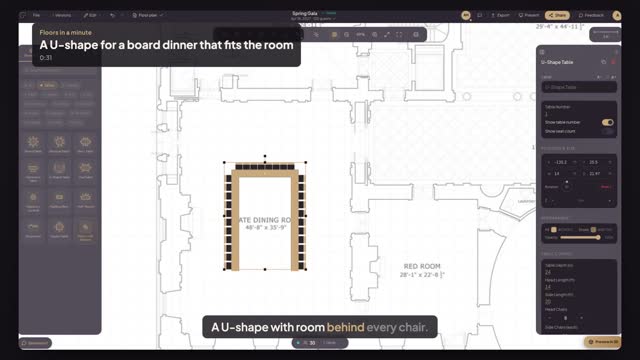
Size a U-shape table by its head and side lengths in feet, centre it in the State Dining Room, and check the clearance to every wall.
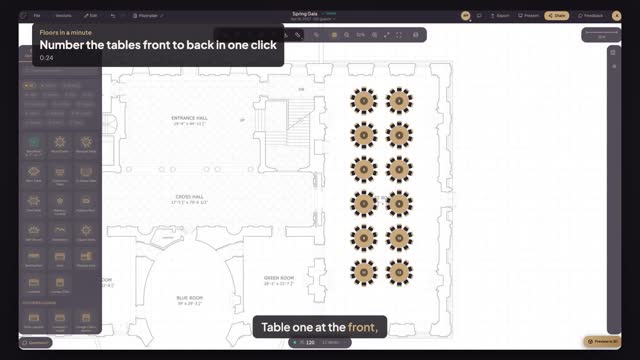
Select every table and press Auto-number by position: table numbers run row by row from the front, in walking order for escort cards and servers.
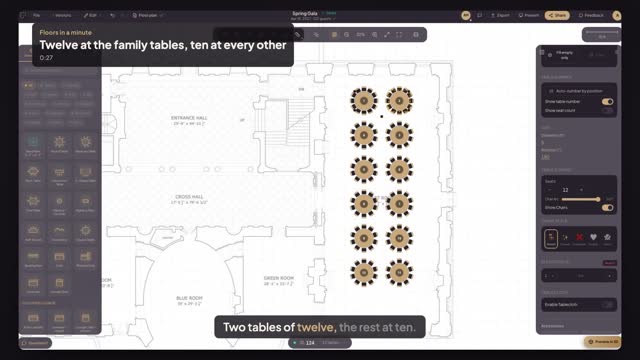
Select the two family tables, set them to twelve seats in one go, and watch the seat count update while every other round stays at ten.
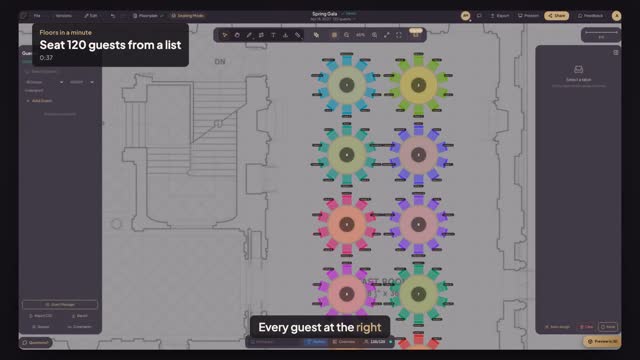
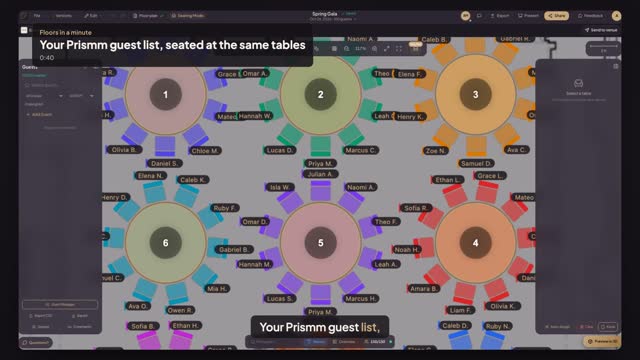
Import your guest list from a CSV file, let Auto-Assign seat everyone with their group, and see every guest's name at the right table on your floor plan.
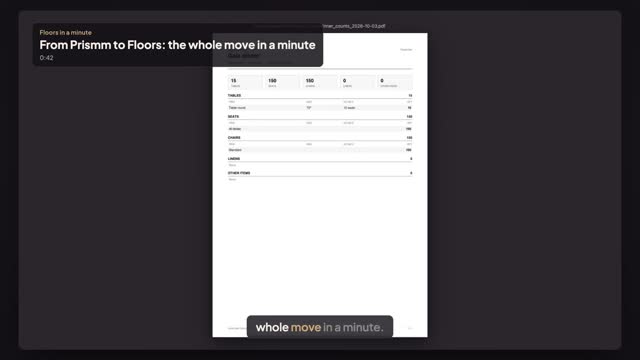
Moving from Prismm? The whole move in a minute: bring each floor plan over from your PDF, rebuild every setup with Smart Layout and check its counts.
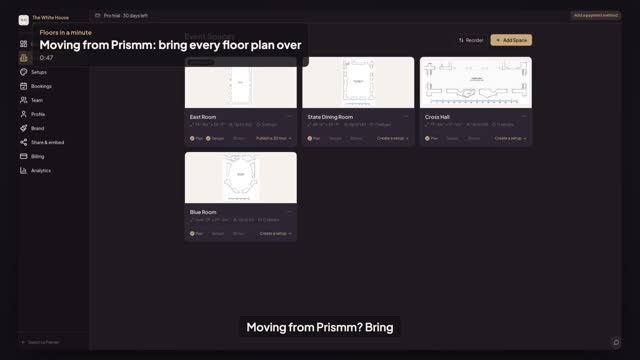
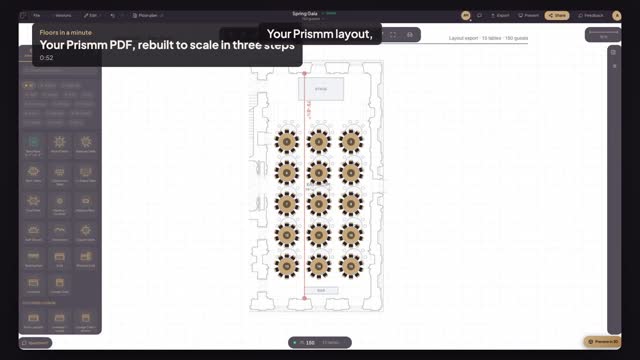
Moving from Prismm? Upload the floor plan PDF you exported, pick each room's page, click two marks on its ruler and every Space is to scale.
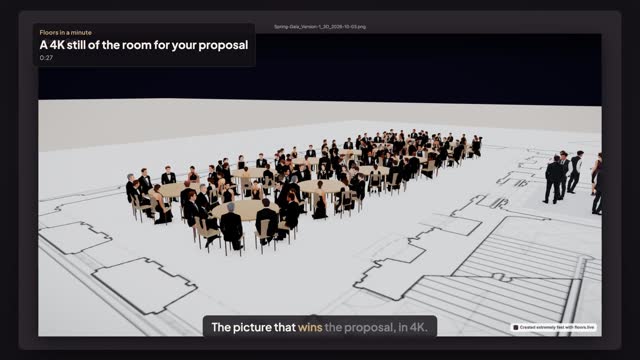
Frame the dressed room in 3D, take a 4K snapshot with the event name, venue and date on it, and drop it straight into the proposal you send the client.
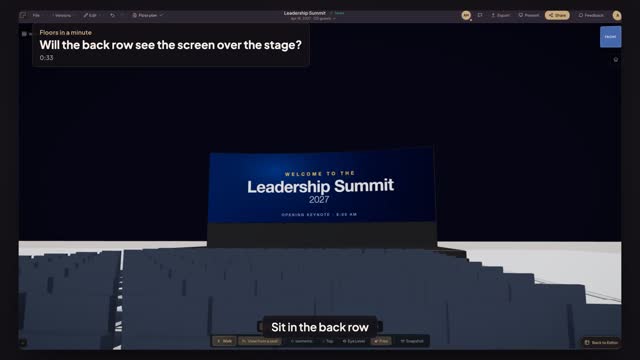
Sit in the last row of the summit at seated eye height and check that the lectern and the heads in front leave the whole LED slide in view.
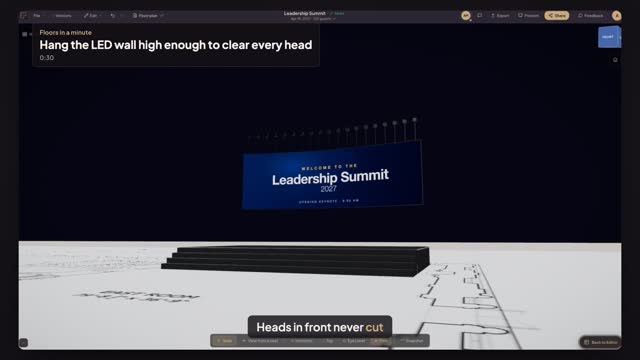
Fly the LED wall on hoists, set the bottom edge to nine feet so heads don't cut off the content, and check it from the back of the room in 3D.
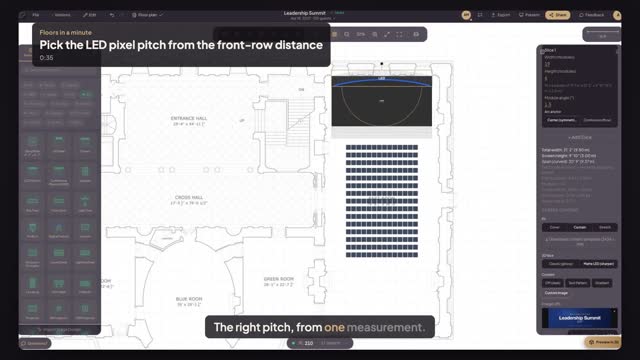
Measure from the LED wall to the front row, use the three-feet-per-millimetre rule to pick the pitch, and read the exact resolution for the content team.
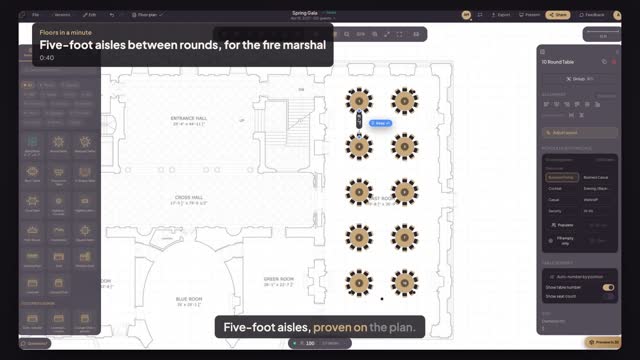
Set Smart Layout to keep five feet between chair backs, re-fit the rounds, and prove the aisle with Measure before the fire marshal walks the room.
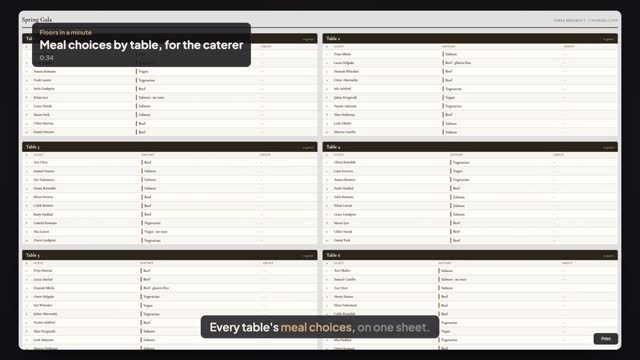
From your seating plan, Export → Table Breakout prints one card per table: every seated guest with their meal choice beside their name, for the kitchen.
Moving from Prismm? Import the guest list CSV you exported. Floors reads names, parties, RSVPs and meals, and seats every guest at their table.
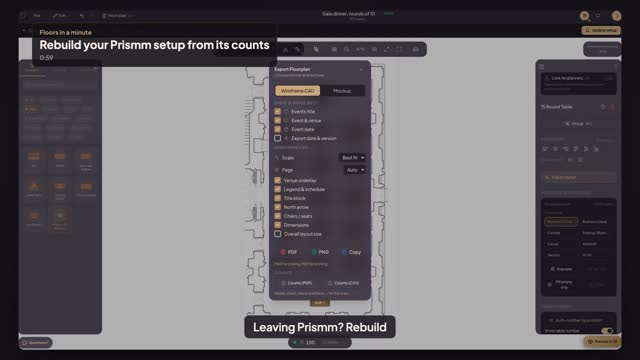
Moving from Prismm? Rebuild each setup from its report: place the stage and bar, let Smart Layout fit the rounds, then check the Counts sheet.
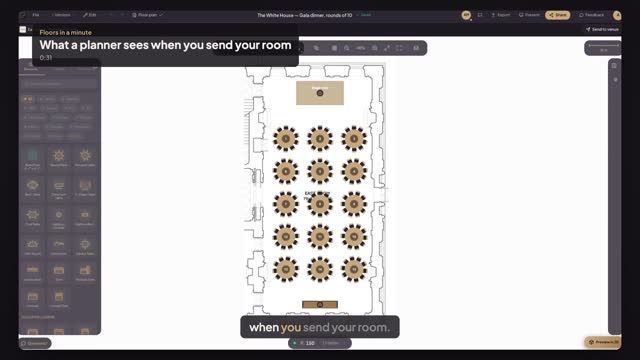
A planner who starts from your house setup gets their own copy. Their changes never touch your setup; you open their plan from the booking to comment.
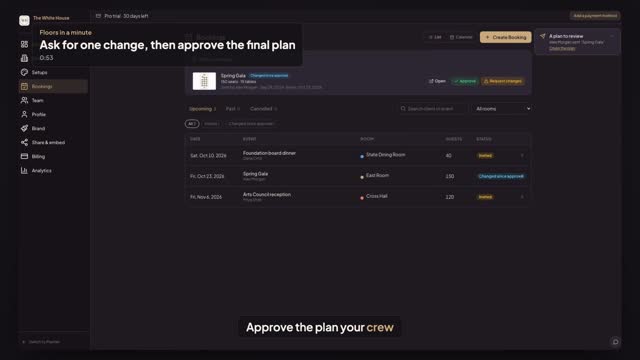
Not quite right? Press Request changes with a note. The planner fixes it and sends it again, and you press Approve on the version your team will build.
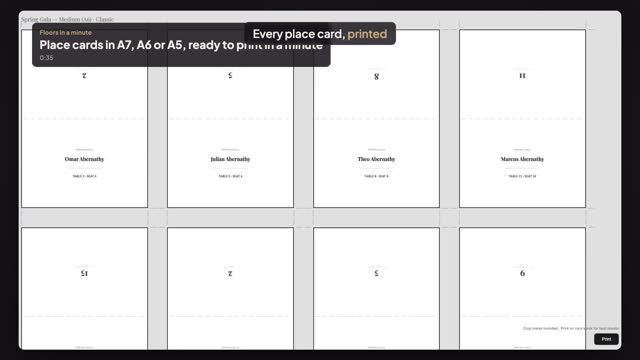
From your seating plan, Export → Tent Cards prints a folded place card for every seated guest, with table and seat, fold line and crop marks, in three sizes.
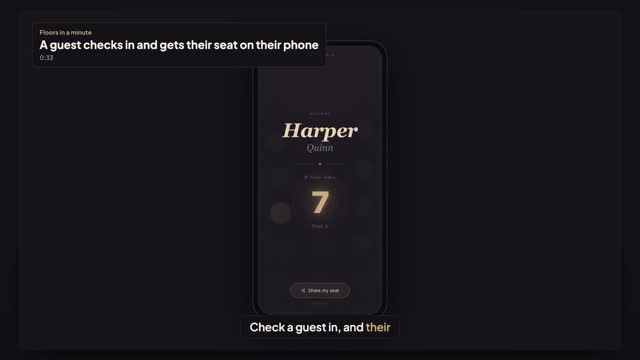
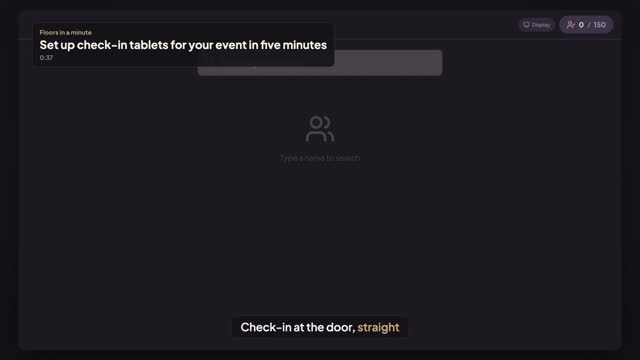
At the door, staff find the guest on the check-in tablet and tap Mark as Arrived. The welcome screen shows their table, and a QR puts the seat on their phone.
Seating → Kiosk → Create Kiosk gives each door a check-in tablet link and a welcome-screen link, working off your seating plan. Name it and open it.
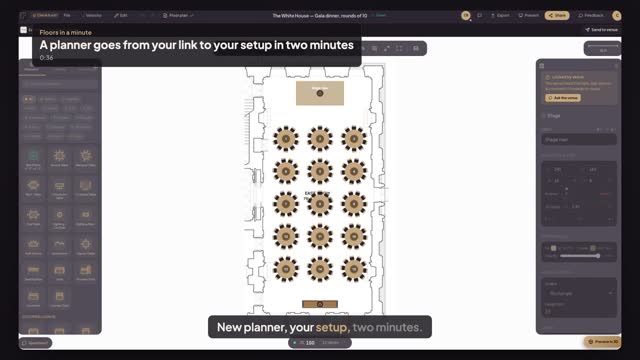
No account yet? A planner presses Use this setup, signs up free, confirms the email and lands in your room, your setup loaded and your locks in place.
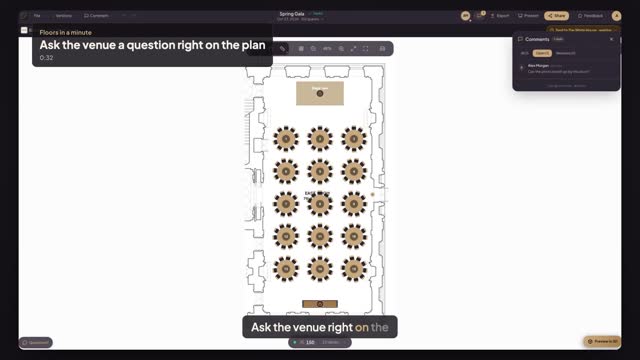
Pin your question to the spot it's about: switch to Comment, click the floor and type, then send the plan so the venue can answer on the plan.
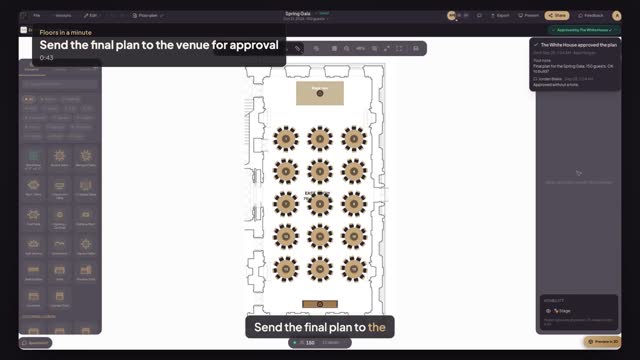
Finished your plan in a venue's room? Press Send to venue. The venue comments and approves, can't edit, and the approval shows on your plan.
In a venue's room, the stage and bar can be locked by the venue. See why an item won't move, move everything else, and ask the venue right on the plan.
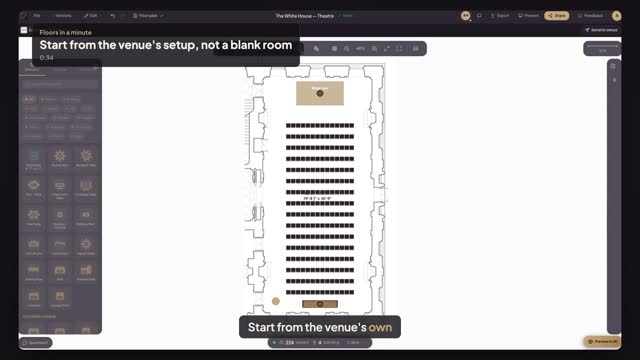
Find the venue on Floors, pick one of its house setups and press Use this setup: your event opens in the real room, to scale, seats in place.
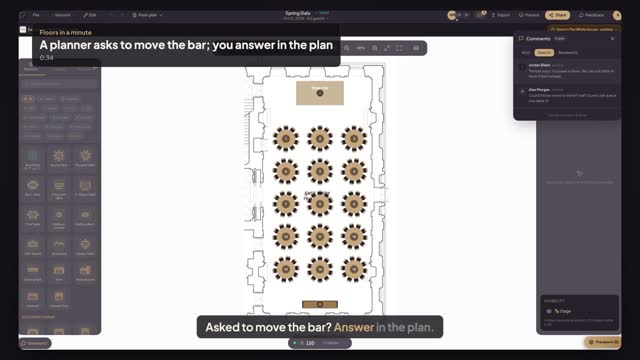
A planner's question arrives pinned on the bar they want moved. Open the plan, find it in Comments, and pin your answer on the same bar for the planner.
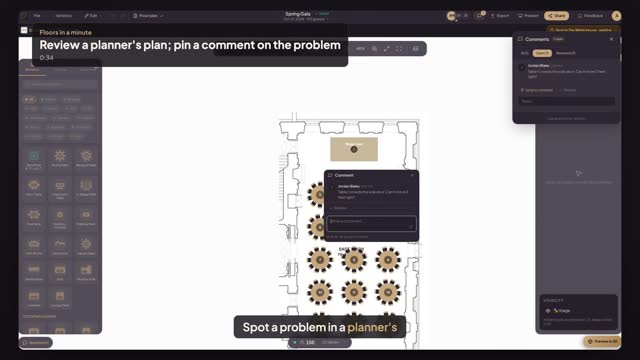
A planner sent you their plan. Open it from Plans to review, click the table that's wrong and pin a comment right on it, where the planner will find it.
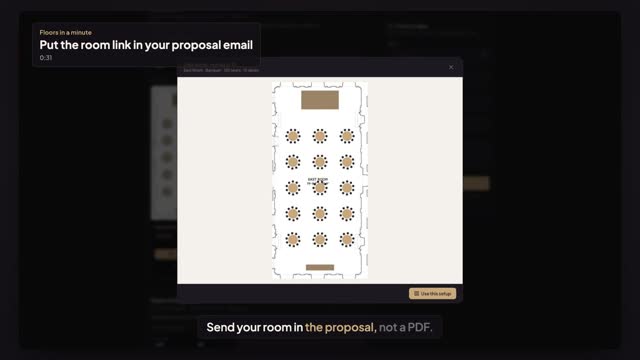
Copy a link to one of your house setups and paste it into your proposal. The prospect opens your page on that setup, with the room and seats, no account.
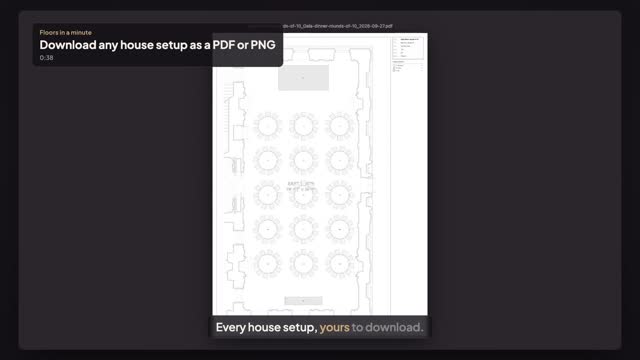
Your house setups are yours to keep. Open a setup, choose File, Download and save a to-scale PDF with its legend, or a PNG to share. No lock-in.
Moving from Prismm? Upload the layout PDF you exported, set the scale on a printed dimension and let Smart Layout rebuild the tables, to scale and editable.
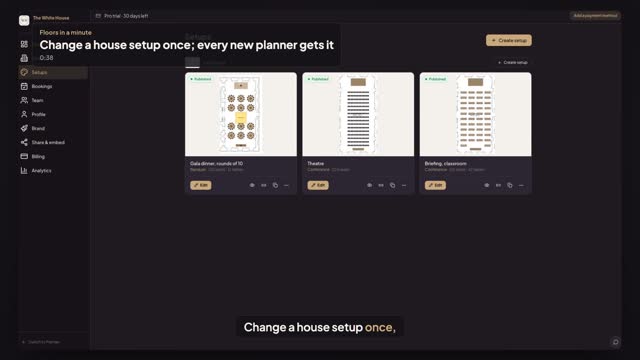
Edit a published house setup, swap three tables for a dance floor and press Update setup. Planners who start from it now get the new version.
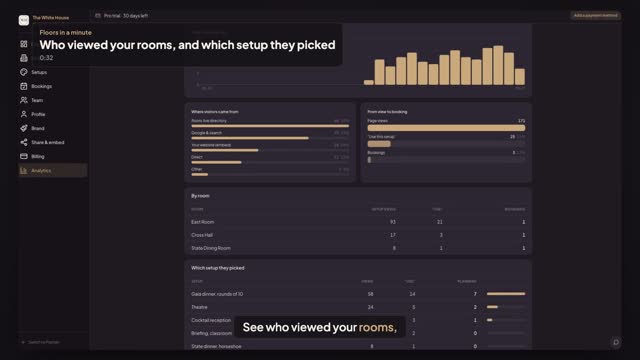
Venue Pro analytics: page views and visitors, where they came from, the path from view to booking, and which of your setups planners picked.
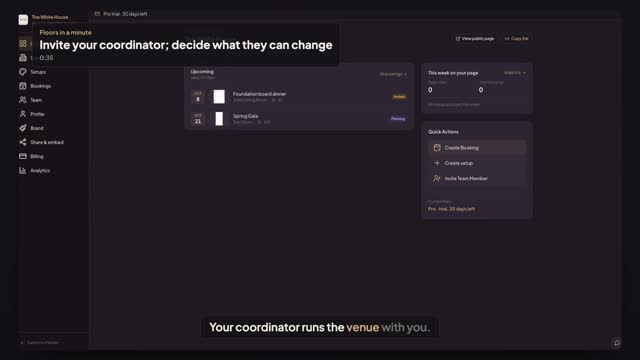
Invite your coordinator from Team as Manager or Staff. Each role says what they can change; they accept from their Floors account in one click.
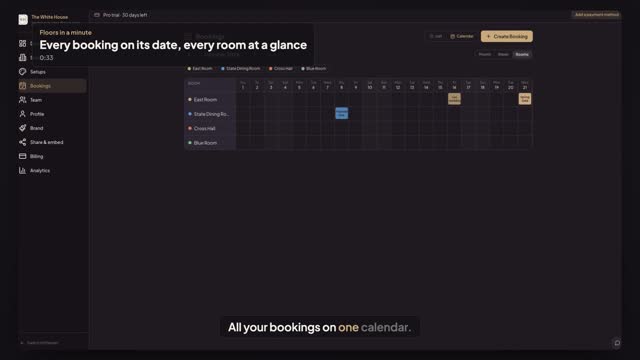
Bookings → Calendar puts every event on its date, coloured by room. Rooms shows who's in which room, and a click on an empty day starts a booking.
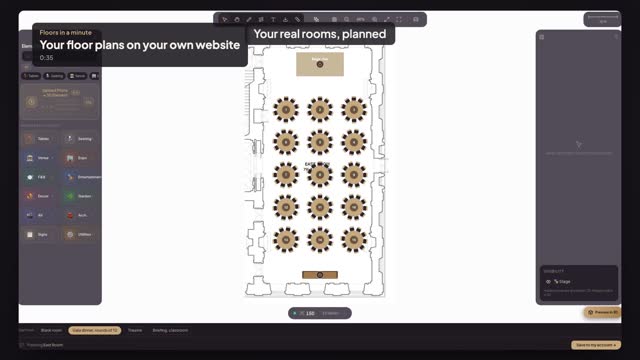
Copy one snippet from Share & embed and your website gets a Plan this space button: visitors open your real room and start from your setups.
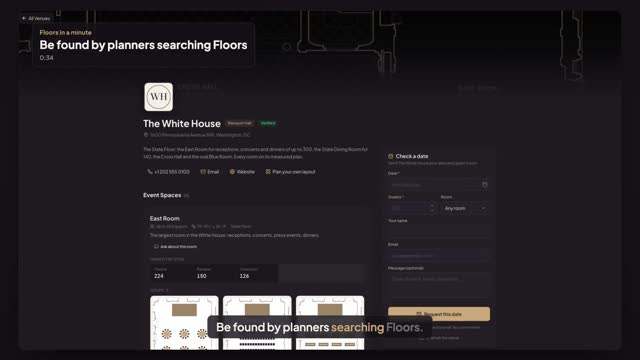
Planners search the Floors venue directory by name or city. Give your published page a clean address, and your venue is one search away.
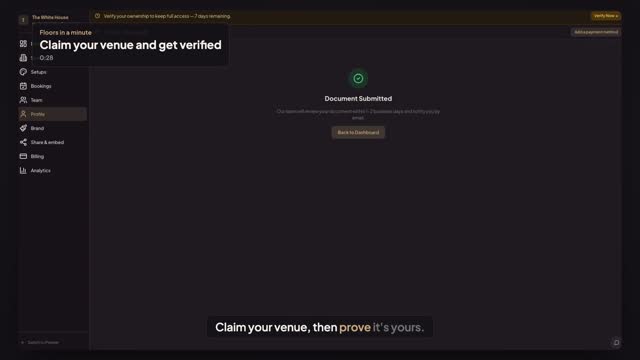
Show planners the venue is really yours: press Verify Now, connect Google for instant approval, or upload a utility bill for review in 1–2 business days.
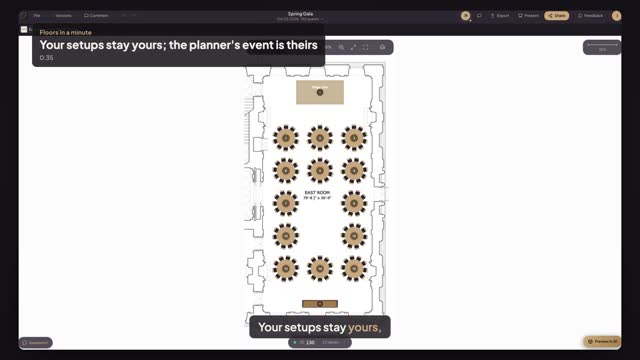
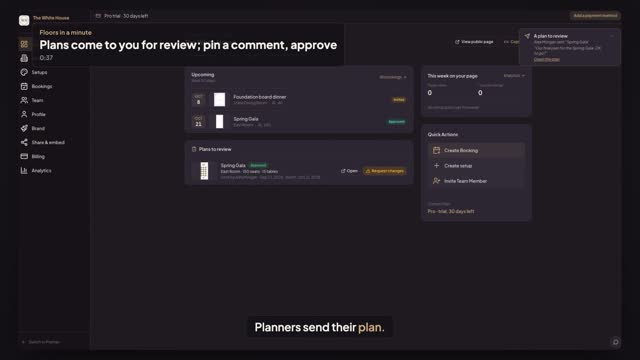
A planner sends the final plan to your venue. Open it from Plans to review, pin a comment on the floor, and press Approve. Your setups stay yours.
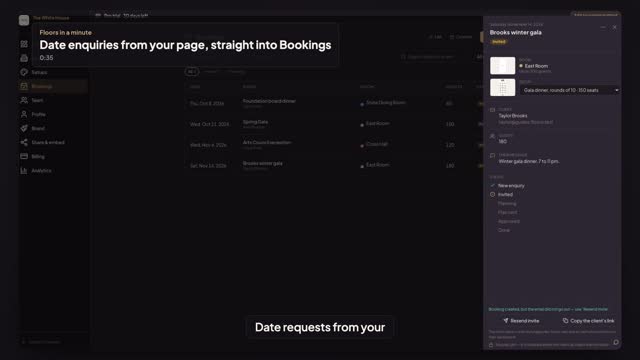
Planners press Check a date on your venue page: date, guests, room. It lands in Bookings as a New enquiry, and one Send invite brings them into your room.
Fix the stage riser and the bar in your house setup with Lock for planners. Planners who start from it move tables and chairs, but not what you locked.
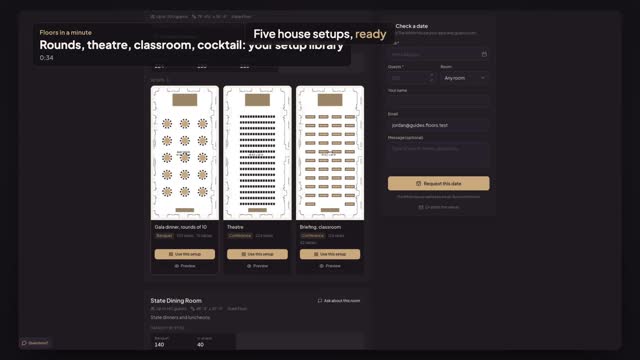
Your house setups are what planners start from: every layout on its real room, grouped by space. Duplicate one as a draft and preview it as a planner sees it.
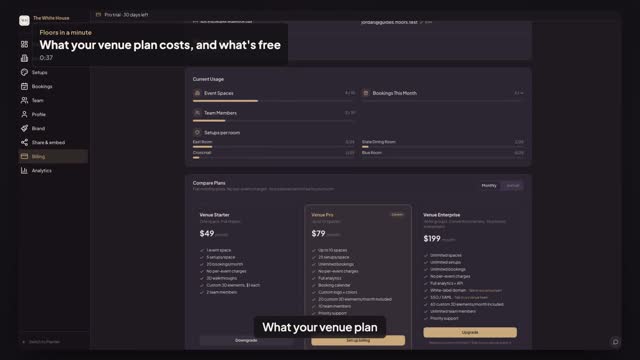
Venue plans are flat: Starter $49, Pro $79, Enterprise $199 a month, 30 days free. See your trial, what happens when it ends, and what planners pay: nothing.
See your venue through a planner's eyes: your page, Use this setup on a house setup, and the editor opens in your real room with your fixed items locked.
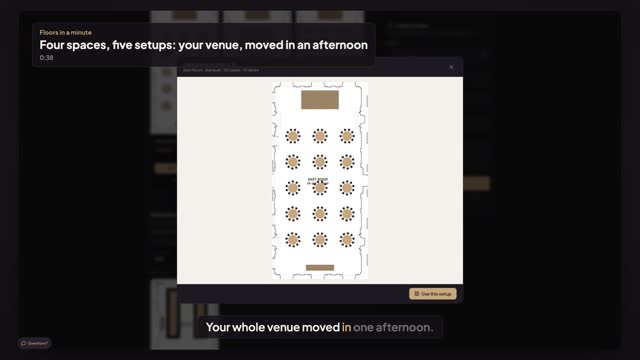
Moving from Prismm or another tool? See a whole venue on Floors: four rooms on their real plans, five house setups and the page planners book from.
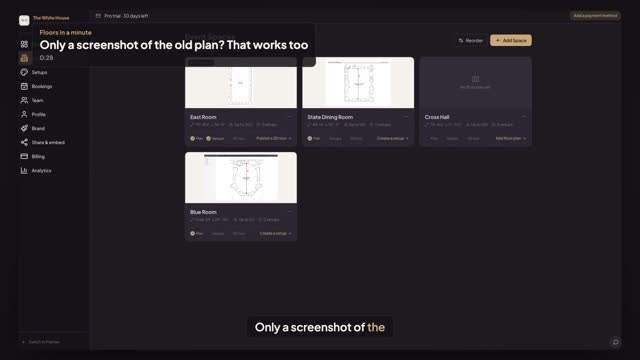
No PDF, only a screenshot of your old floor plan software? Upload it, click both ends of a printed dimension and type the length. The room is to scale.
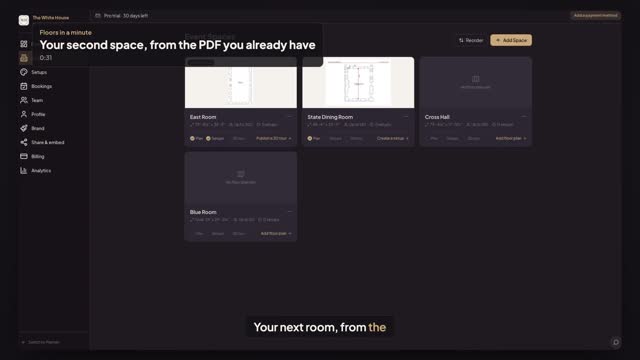
Moving from another tool? Upload the floor plan PDF it exported, click both ends of a printed dimension and type its length. The room is to scale.
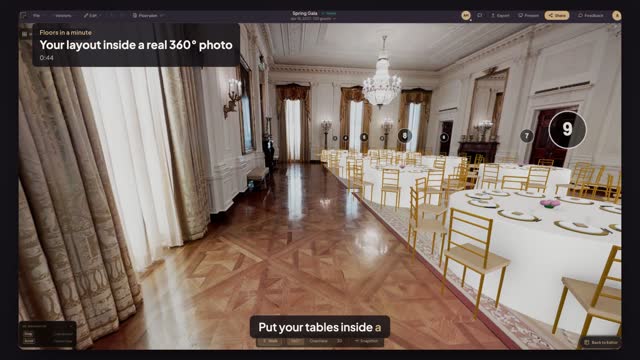
Pick a 360° camera, shoot the room with a few simple tips, upload the photo, mark the room on your plan, and see your tables standing in the real space.
Add a projection screen for the back rows and a downstage monitor (DSM) for the speaker, put your slide on both, and check it all in 3D.
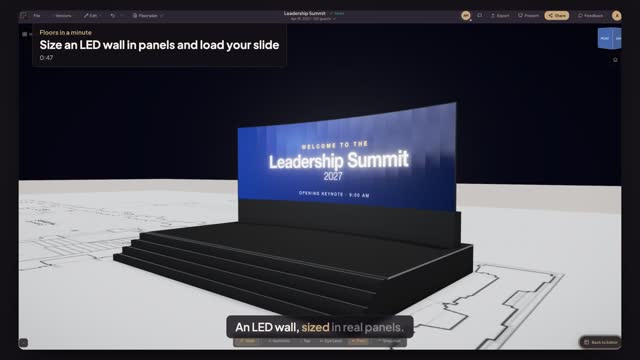
Run an LED wall across the back of the stage in real 50 cm panels, curve it gently, get the exact resolution and see your slide on it in 3D.
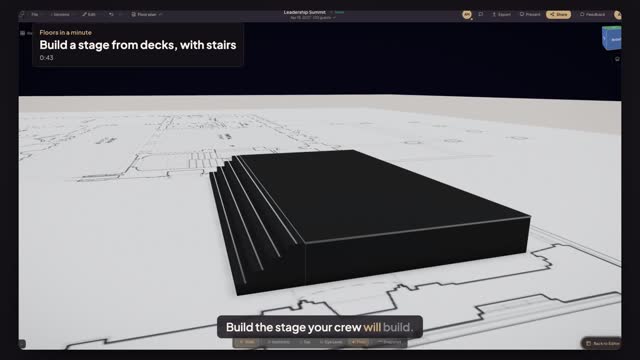
Place a stage, widen it wall to wall and make it deeper, set the deck height, run stairs across the whole front and check it in 3D.
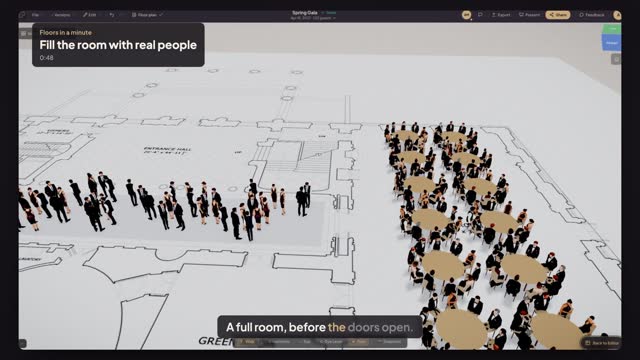
Seat 120 guests in one click with Populate with people, fill the hall with a standing cocktail crowd and see a full, real room in 3D.
Give one table its cloth, centerpiece, dining set and chairs, then copy the design and paste it onto every table at once. See the result in 3D.
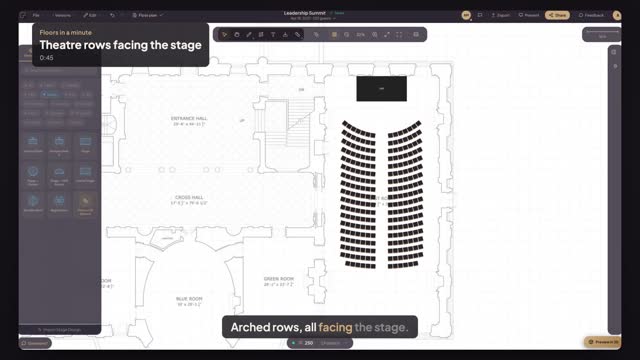
Put a stage at the front of the room and let Smart Layout fill it with rows of chairs that all face it — two hundred and fifty seats in a minute.
Place the dance floor and the couple's sweetheart table, then let Smart Layout fill the room with round tables of ten around them.
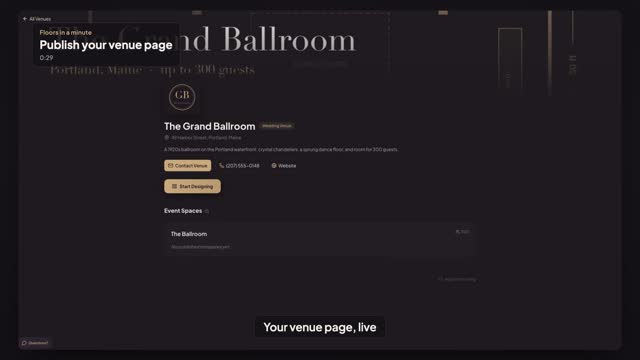
Add your logo, cover photo, a short description and contact details, then switch on Publish. Your venue page goes live for every planner, signed in or not.
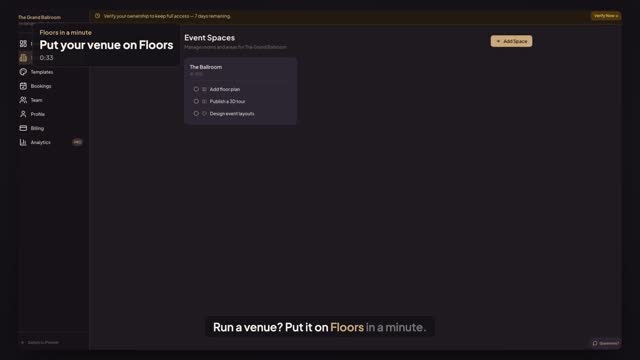
Run a venue? Claim it on floors.live in a minute — name and address, your first event space, a plan with 30 days free — and launch.
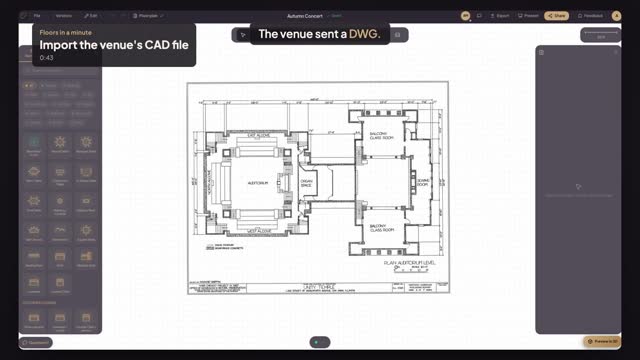
Venue sent a DWG and no AutoCAD? Upload it — Floors reads the drawing's units, so the plan lands at true scale. Check one dimension and start planning.
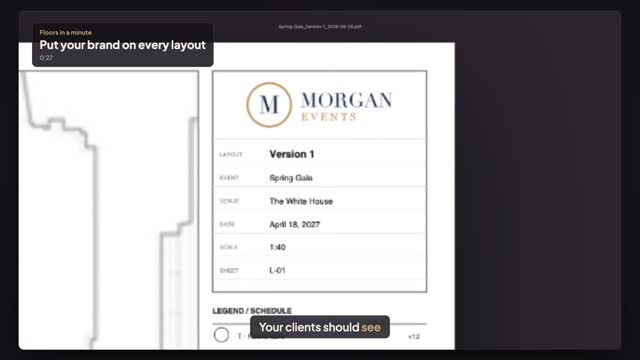
On Planner Pro, add your logo once — every PDF, image, drawing and 3D snapshot your clients get carries your brand instead of ours.
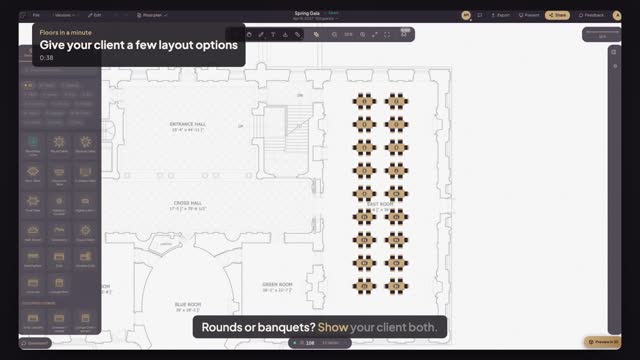
Duplicate the layout as a new version, switch Version 2 to long banquet tables with Smart Layout, and flip between the options.
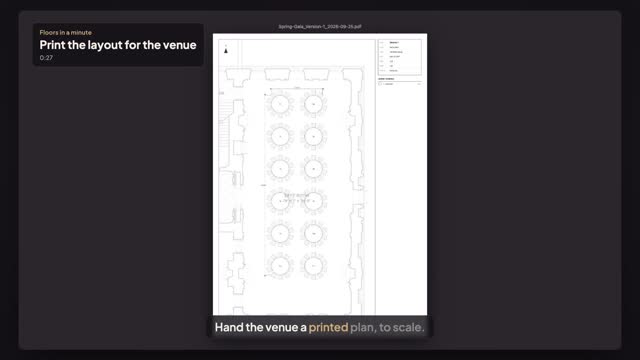
Export a to-scale PDF with the venue plan underneath, a legend, a title block and the overall layout size — ready for the venue's crew.
Share the plan with Edit access and your caterer, AV crew or client work on it with you — you see who's in and watch every change land live.
Ask Smart Layout for more guests than the room can hold and it shows the real limit — for a ceremony in rows, or a standing reception at highboys.
No guide matches that search.