
Questions this guide answers
How do I add a coordinator to my venue account?
Open Team in the venue portal and press Invite Member. Type their email, pick a role and press Send Invite. They appear under Pending invites; when they sign in to Floors.live with that email they see the invitation on their dashboard and press Accept to join.
What's the difference between Manager and Staff?
A Manager can add and edit spaces and setups, manage bookings and see analytics, but can't invite team members or change billing. Staff can create and manage bookings only. You can change someone's role any time from the role menu on their row in Team.
Does my coordinator need their own account?
Yes, a free Floors.live account with the email you invited. Starter ($49 a month) holds 2 team members, Pro ($79) 10 and Enterprise ($199) as many as you need, each with a 30-day free trial. Planners you invite to plan an event don't count: they design free in your rooms.
Transcript
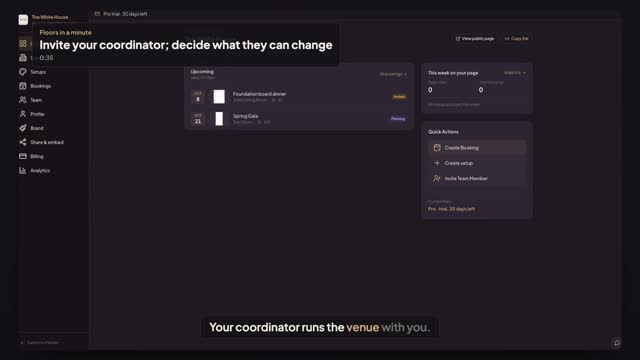
Your coordinator runs the venue with you.
Jordan owns The White House account. Riley coordinates events.
Open Team and press Invite Member. Type Riley's email.
Pick a role. Staff handles bookings only. A Manager also edits spaces and setups.
Press Send Invite. Riley waits under Pending invites.
Riley signs in to Floors, sees the invitation and presses Accept.
Riley is in, with a Manager's rights. Billing and team stay yours.
Next: see who viewed your rooms.