
Questions this guide answers
How do I renumber all my tables?
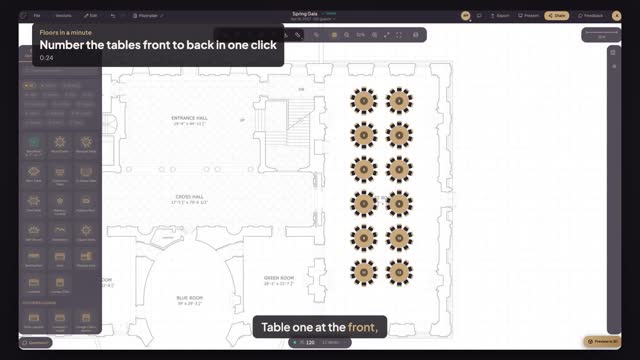
Select the tables, or press Command A for all of them, and press Auto-number by position under Table Number in Properties. Numbers run row by row from the top of the plan, left to right in each row, so put the stage or head table at the top before you number.
Can I give one table a name instead of a number?
Yes. Select the table and type a name or number in its Table Number field, such as Family or 1A. Run Auto-number first for the order, then rename the few special tables by hand, like the head table or the sweetheart table.
Why number front to back?
Because people walk the room that way. Escort cards, the caterer's service order and the servers' sections all read naturally when table one is nearest the stage and numbers climb toward the back. Guests find their table faster, and the kitchen fires courses in order.
Transcript
Table one at the front, table twelve at the back.
Twelve rounds placed, numbered in the order they were made.
Press Command A to select every table.
Press Auto-number by position.
Read the room: one to twelve, row by row, front to back.
Servers and escort cards follow the same walking order.
Next: a U-shape that fits the room.