
Questions this guide answers
How do I pay to unlock an event on Floors.live?
In the editor, press Unlock this event on the Preview bar, then Unlock this event on the price screen. The secure PayPlus page opens with the total, $39. Enter the name on the card and the card details, press Pay, and you land back in the same event, unlocked.
What happens after I pay?
PayPlus confirms the charge and sends you back to the event you were working on. It is unlocked for good: no clock, no preview bar, exports without a watermark and 10 Realistic 3D models included. There is nothing else to press and no second charge for that event.
Which currency and cards does Floors.live accept?
Prices are in USD and payment runs on PayPlus's secure hosted page, so your card details go to PayPlus, never to Floors.live. Visa and Mastercard are accepted; American Express, Discover and JCB are not. There is no subscription: you pay once per event.
Transcript
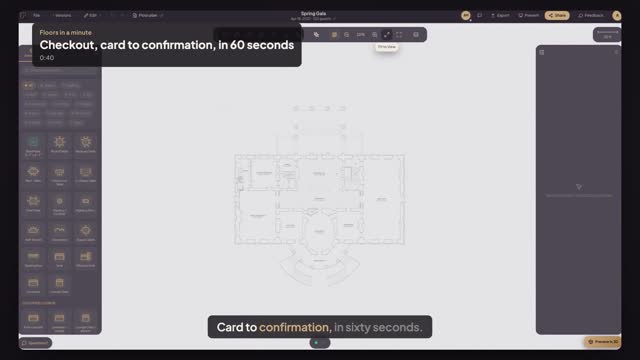
Card to confirmation, in sixty seconds.
Your free preview is running, and you want to keep this event.
Press Unlock this event. One price: thirty-nine dollars, with everything it includes.
Press Unlock this event again. The secure PayPlus page opens, showing the total.
Enter the name on the card, the card number, the expiry date and the code. Press Pay.
PayPlus confirms the charge and brings you back to the same event, unlocked.
No preview bar, no clock. This event is yours to edit for good.
Next: what thirty-nine dollars includes.