
Questions this guide answers
How do I show a client two layout options?
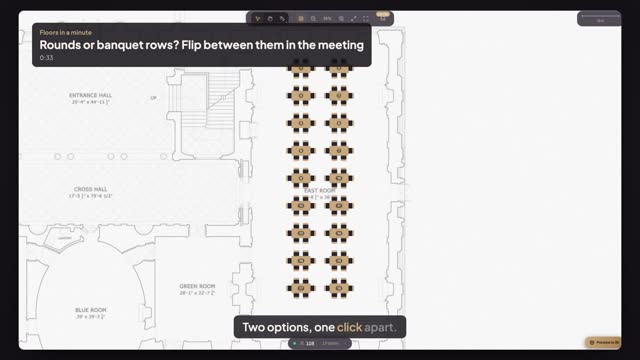
Keep both as versions of the same event, then press Present. The version menu in the top bar lists every option with its seats and tables; pick one and the room changes on the screen. You flip between them, one at a time.
Can I show the two options side by side?
Not on one screen. Present shows one version at a time and switches in a click, which is usually clearer on a meeting-room display. For a printed comparison, export each version as a PDF and put the two pages next to each other.
Does the client see my editing tools in Present?
No. Present is a clean, read-only view of the plan with the event name on top: no library, no properties and nothing to move by accident. Press Fullscreen in the top bar to fill the display, and Escape to come back.
Transcript
Two options, one click apart.
The client is in the room. Rounds are Version 1, banquet rows Version 2.
Press Present. The plan opens clean, ready for the big screen.
Open the version menu: both options, each with its seats and tables.
Pick Version 1 for the rounds.
Open the menu again and pick Version 2: the banquet rows.
The client chooses in the meeting, not from two PDFs.
Next: the client wants the bar moved.