
Questions this guide answers
How do I verify that I own my venue?
After you claim the venue, press Verify Now in the banner of the venue portal. Connect the Google Business Profile that manages your listing for instant verification, or upload a business registration, utility bill, lease or other official document that shows the venue's name and address.
How long does venue verification take?
Connecting your Google Business Profile verifies the venue instantly. An uploaded document is reviewed by our team within 1–2 business days, and you get an email when it's done. Until then you have a grace period of 7 days from the claim with full access to the venue portal.
What documents can I upload to verify my venue?
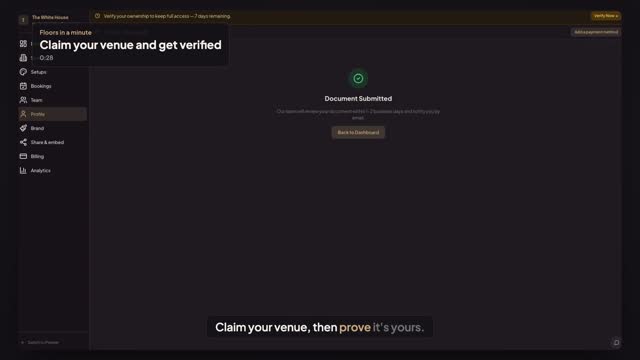
A business registration or license, a utility bill with the venue's address, a lease or property agreement, or another official document. Upload a PDF, JPG or PNG of up to 10 MB; it must show the venue's name and address. Choose the document type, select the file and press Submit for Review.
Transcript
Claim your venue, then prove it's yours.
The White House is claimed. Planners trust a verified venue.
Press Verify Now in the banner.
Google Business Profile verifies instantly. No listing? Choose Upload a Verification Document.
Pick Utility Bill, then select a PDF showing the venue's name and address.
Press Submit for Review.
Our team reviews it within one to two business days.
Next: your whole venue, moved in an afternoon.