
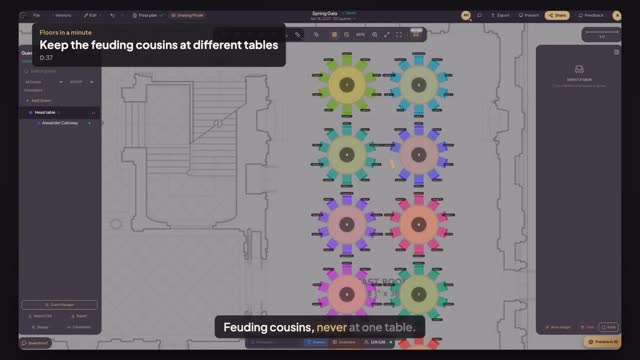
Questions this guide answers
How do I keep two guests at different tables?
In seating mode open Relationships, choose Keep Apart and pick the two guests. If they already share a table, the conflicts badge lights up; Auto-Assign respects the rule from then on. You can add as many rules as you need, one pair at a time.
What does the conflicts badge show?
Every broken rule in the seating: guests who must be kept apart at one table, groups split across tables, and tables seated over capacity. Each one has a button that fixes it or focuses the table. Open the badge to see the list and work through it from the top.
Does the rule survive re-seating?
Yes. Rules belong to the guest list, not to one arrangement, so running Auto-Assign again or moving tables keeps the two guests apart. You can delete a rule at any time from Relationships, for example once the cousins have made up, and the seating is checked again straight away.
Transcript
Feuding cousins, never at one table.
Everyone is seated. Two of them must not share a table.
Open Constraints and choose Keep Apart.
Type the first Calloway cousin, Alexander, and pick him from the list.
Then his cousin Aubrey. Press Add Constraint, then Close.
The conflicts badge lights up: both sit at the head table.
Open it and press Unassign Alexander. He's free for another table.
The rule stays, so the next shuffle keeps them apart.
Next: find any guest's seat in seconds.