
Questions this guide answers
How do I find a guest's seat?
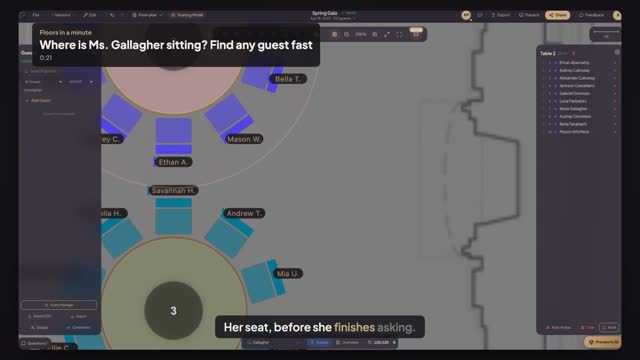
In seating mode, type the name in Find guest. The plan selects the guest's table and highlights the seat, so you can read the table number straight away. It works on a laptop at the door or on a tablet on the check-in desk.
Can guests find their own seat?
Yes. With the check-in kiosk or the guest QR code, a guest types or scans their name and sees their table on the plan, which keeps the door line short. It works with the same guest list you seated, so there is nothing extra to set up for the night.
What if two guests share a name?
Both appear in the list with their table, so pick the right one. Adding a note or a party name in the guest list keeps them apart at a glance. The table and seat number are also on the printed escort list.
Transcript
Her seat, before she finishes asking.
Gala night. A guest at the door asks where she sits.
Type her name in Find guest.
Pick her from the list. Her table lights up on the plan.
The table list on the right shows her table and her seat.
Found in seconds. She's on her way.
Next: guests find their own seat by phone.