
Questions this guide answers
How do I stop planners from moving the stage or the bar?
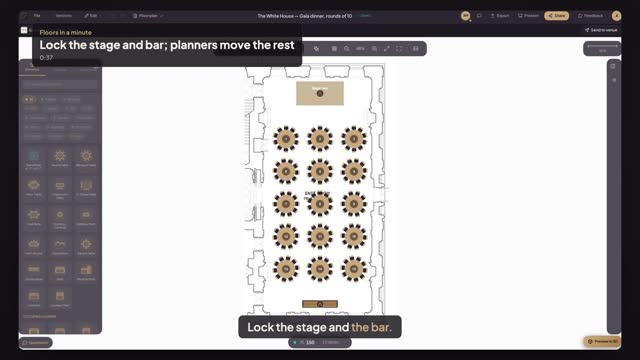
Open Setups in the venue portal and press Edit on the setup. Click the stage, turn on Lock for planners in the panel, and do the same for the bar or pillars. Press Update setup, then Update. Planners who start from that setup can't move or delete those items.
What does a planner see on a locked item?
When a planner clicks an item you locked, the panel says Locked by venue and explains that the venue fixed it, with an Ask the venue button that opens a comment on that item. Tables, chairs and everything else stay free to move, so the plan fits their event.
Do locks change events planners already started?
No. Locks travel with the setup, so every event started from it after you press Update gets them. An event a planner already started keeps the setup as it was then. Unlocking works the same way: turn Lock for planners off and update the setup.
Transcript
Lock the stage and the bar. Planners move the rest.
Your gala dinner setup is open. Nothing is locked yet.
Click the stage riser, shift-click the bar, and turn on Lock for planners.
Press Update setup, then Update. The setup stays published.
Now Alex, a planner, opens your page and presses Use this setup.
Alex clicks the stage riser. It says Locked by venue.
Tables and chairs move freely. What you locked stays put.
Next: planners send their plans to you.