
Questions this guide answers
How do I hang an LED wall in Floors.live?
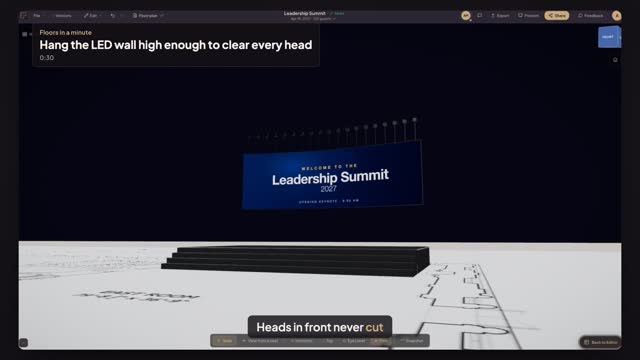
Click the LED wall, then choose Flown under Mounting. Two fields appear: Bottom clearance, the height of the bottom edge above the floor, and Top edge (trim), which is where the rigger hangs it. Change one and the other follows, because the wall's own height stays the same.
How high should the bottom of an LED wall be?
High enough that the heads in front never cover the content. For a seated audience on a flat floor, most AV teams keep the bottom edge at least eight to nine feet up. Floors.live warns you when the bottom edge is low over an audience, so you catch it before the rigging plot goes out.
Can I check what the audience will see before the show?
Yes. Open Preview in 3D, orbit down to the back rows and look at the stage. The flown wall, the stage deck and the slide on the wall are all at true height, so you can see whether any part of the content disappears behind the rows in front of you.
Transcript
Heads in front never cut the bottom of the screen.
The summit's LED wall stands on the stage. Now fly it.
Click the LED wall. Under Mounting, choose Flown.
Set Bottom clearance to nine feet. The top edge follows.
Open Preview in 3D and look from the back row.
The whole slide clears the room, from the front row to the back.
Next: pick the pixel pitch from the front row.