
Questions this guide answers
How do I move my venue from Prismm to Floors.live?
In three moves. Upload the floor plan PDF you exported from Prismm to each Space and set the scale on its ruler. Rebuild each setup with Smart Layout and press Save setup. Then download Counts and compare it with your old report. Planners import their guest lists with the table column.
What comes over from Prismm and what do I rebuild?
Floor plans come over as to-scale drawings from your PDF export, and guest lists import from CSV with their tables. Tables and objects don't import: you rebuild each setup on the plan with Smart Layout, usually in a minute, and check it with the Counts sheet. We can also rebuild them for you.
Can Floors.live do the migration for me?
Yes. Venues moving several rooms and setups can email their Prismm exports to hello@floors.live. We rebuild the floor plans and setups for free, usually within 48 hours per layout, and you check each one with Counts before you publish it to your venue page.
Transcript
Leaving Prismm? The whole move in a minute.
Three moves: your floor plans, your setups, then a check.
One: Add floor plan. Upload the PDF from Prismm, pick the page, trim it, click the ruler.
Two: rebuild each setup. Open Setups, press Create setup, and let Smart Layout fill the room.
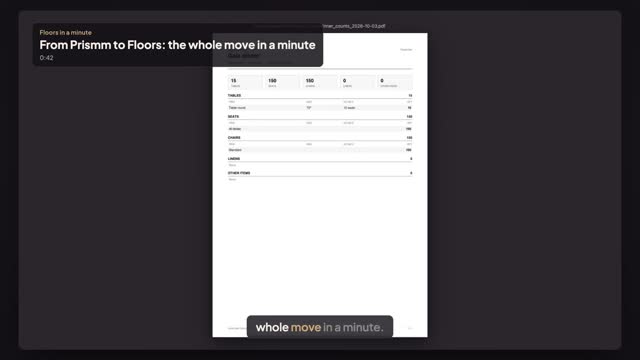
Save setup. Then check it against your Prismm report: File, Download, Counts (PDF).
Rooms to scale, setups rebuilt and counted. Guest lists have their own guide.
Next: bring every floor plan over.