
Questions this guide answers
How do I check a projector's throw on the plan?
Place the projector, turn it so its lens points at a projection screen, and read the Projector section in Properties. It shows the throw distance, the image width at the screen and whether the picture fills, overshoots or falls short of the screen.
What if the picture is too big for the screen?
The panel gives two fixes: how far to move the projector, or the throw ratio that fills the screen from where it stands. Type that ratio to see the picture match the screen, then pick the nearest real lens from the maker's chart.
How accurate are the numbers?
They are estimates from rated lumens, a matte white screen and a projector square-on to it. Use them to place the projector table and shortlist a lens, then confirm the throw and brightness with the lens maker's calculator before you order.
Transcript
Know the throw before load-in.
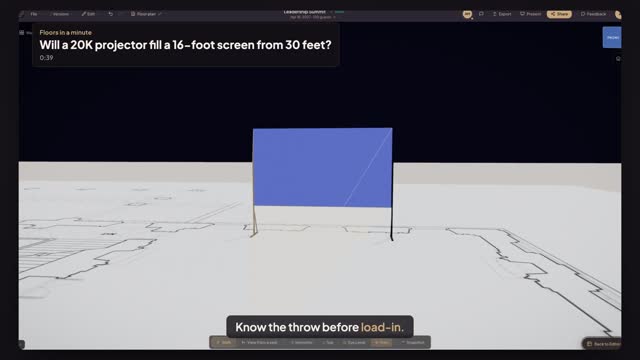
A sixteen-foot screen on the East Room's north wall. Will a twenty K fill it?
Open AV, pick 20K Projector, and click the center aisle thirty feet from the screen.
Press R twice to turn the lens to the screen. The panel reads a thirty-foot throw.
The Standard lens throws a twenty-foot picture on the sixteen-foot screen. It overshoots by a quarter.
Type one point eight eight as the Throw ratio, the lens the panel suggests. It fills the screen.
An estimate to check against the lens chart, before the truck is loaded.
Next: delay screens and a downstage monitor.